Blur Lens: DSLR Blur Editor Pro
Great DSLR bokeh usually takes an expensive camera and a photographer's eye — Blur Lens Pro puts it on your phone. Google ML Kit isolates your subject in real time, then 12 precision blur modes and a gesture-driven canvas deliver studio-grade depth and bokeh right on-device, watermark-free.
Get Blur Lens Pro
on Your Phone
Point your camera
at the QR code to grab the Pro build from
Google Play Store.


See the Pro Blur Engine In Action
A quick look at the advanced blur pipeline behind every Pro export.
12 Advanced Blur & Focus Modes
Explore 12 distinct blur filters designed for creative flexibility and precision depth-of-field control.
Point Focus Blur
Tap anywhere on the photo to establish a focal point, leaving surrounding areas softly blurred.
Point Blur
Directly paint blur onto specific target areas with precision touch brush controls.
Linear Blur
Creates a band-like focus zone, ideal for tilt-shift photography and miniature cityscape effects.
Radial Blur
Circular blur radiating outward from a customizable central focal point.
Lens Blur
Simulates optical camera lens defocus for natural depth of field and soft background light blur.
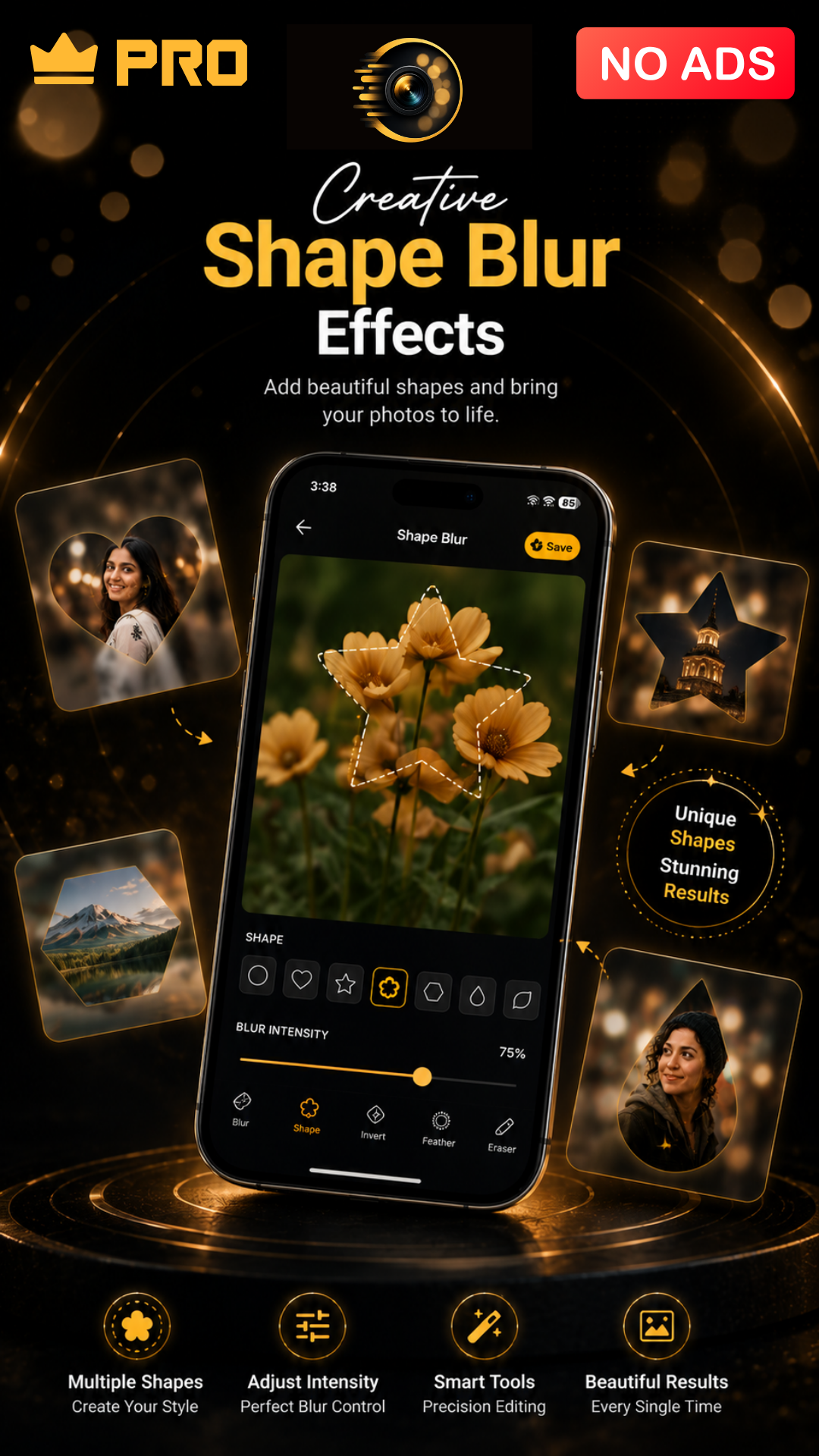
Shape Blur
Applies blur outside 10 geometric shape masks (Heart, Star, Circle, Square, Hexagon, Triangle, Rectangle, Diamond, Pentagon, Oval) with customizable border color & thickness.
Frosted Glass Blur
Creates a translucent frosted glass texture overlay with soft light diffusion and realistic texture.
Spin Blur
Simulates rotational movement, adding dynamic rotational motion blur around a central axis.
Zoom Blur
Creates a dramatic fast-zoom motion blur effect bursting toward or away from the focal center.
Motion Blur
Simulates high-speed directional motion along customizable angle and distance vectors.
Duotone Blur
Blends two vibrant color tones into blurred background layers for stylized artistic photos.
Bokeh Blur
Generates soft hexagonal and circular light flares for cinematic background bokeh highlights.
Premium UI & Interactive Canvas
Full creative control over layers, typography, gesture adjustments, and real-time intensity sliders.
Dynamic Backgrounds
Immersive star twinkling particles and ambient gradient glowing accents for a stunning editing studio.
Gesture Adjustments
Pinch to scale, drag to reposition, and rotate focus areas directly on the image canvas.
Text & Image Overlays
Add custom text with Google Fonts typography or drop auxiliary images for watermarks & double exposure.
Granular Intensity Slider
Fine-tune blur strength in real time with continuous preview to achieve perfect depth balance.
How to Use Blur Lens Pro
-
1
Install the Pro App
Download Blur Lens: DSLR Blur Editor Pro from Google Play and launch it from your home screen.
-
2
Load Your Photo
Bring in a JPG or PNG from your gallery, or capture a new frame right inside the editor.
-
3
Select a Pro Engine
Choose the blur type that fits your shot, from portrait and radial basics to spin and zoom bursts.
-
4
Fine-Tune the Output
Work with precise sliders for radius and feathering so every edit holds up at full resolution.
-
5
Export Clean and Share
Save a watermark-free, full-resolution copy to your gallery or share it directly to social apps.
Why Choose Blur Lens Pro
Professional-grade blur editing with premium tools, clear exports, and priority processing.
Studio-Grade Optics
Precision Editing Controls
Priority On-Device Processing
Watermark-Free HD Export
Skippable Sign-In
Optimized Pro Rendering
About Blur Lens Pro – The Complete Studio Suite
Blur Lens Pro is the ultimate Android photo editor powered by Google ML Kit AI for real-time subject detection, 12 precision blur modes, 10 shape masks, canvas typography overlays, watermark-free HD exports, and 100% offline privacy.
AI Detection & 12 Blur Filters
Real-time subject isolation paired with 12 filters like Frosted Glass, Motion, Zoom, Duotone, Bokeh, Lens, and 10 Shape masks.
Interactive Canvas & Text Overlays
Pinch, drag, and rotate custom text with Google Fonts typography, add watermark overlays, and adjust intensity sliders.
Collage Studio & HD Export
Combine 2–9 photos into custom grids with padding controls, apply color filters, and export watermark-free HD photos.
App Screenshots
 Make Every Photo Stand Out
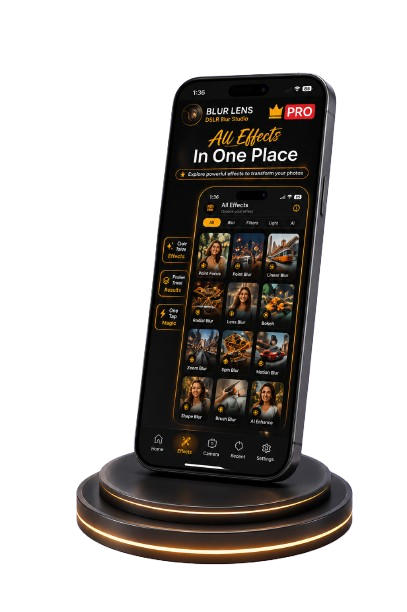
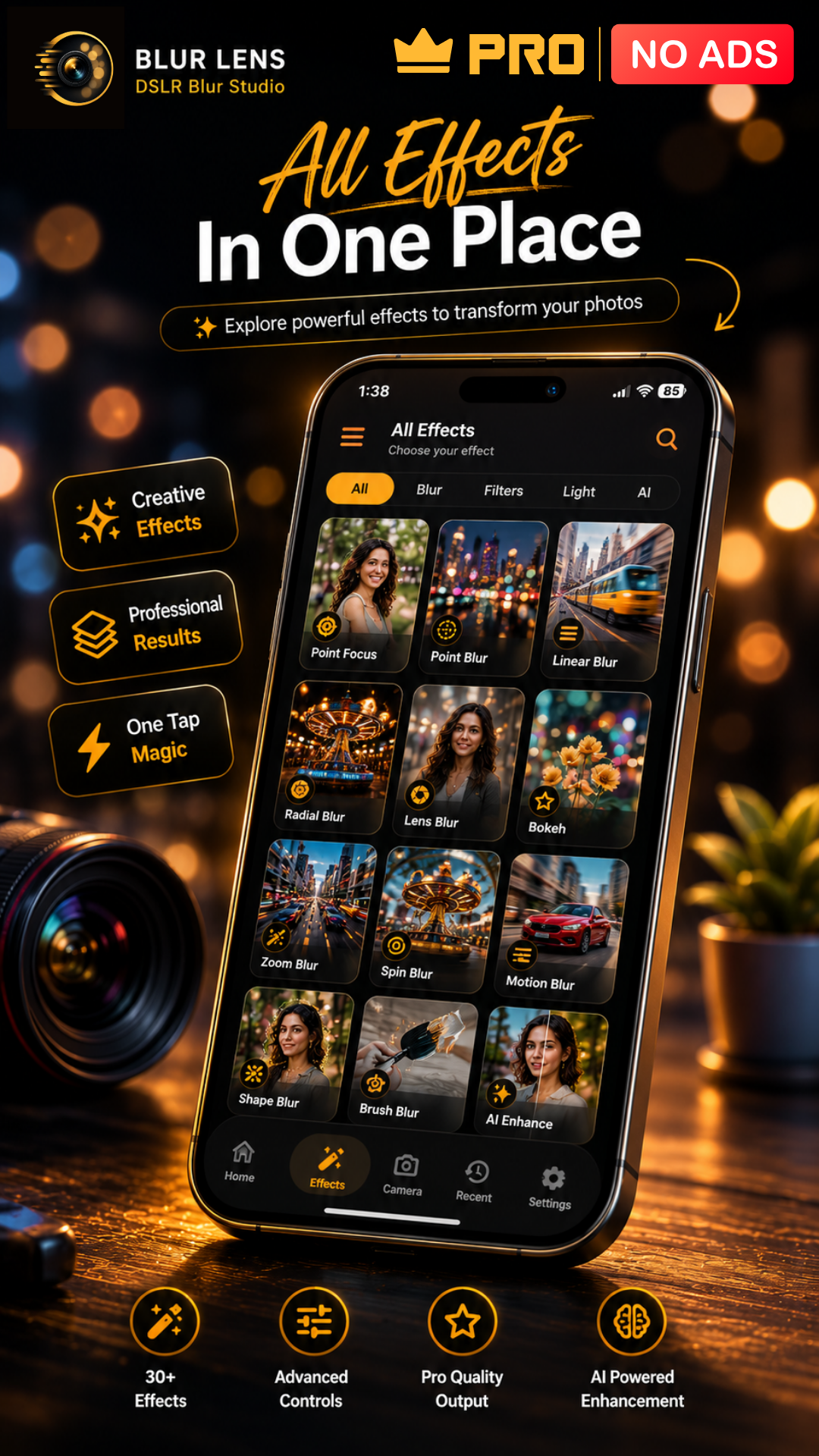
 All Effects In One Place
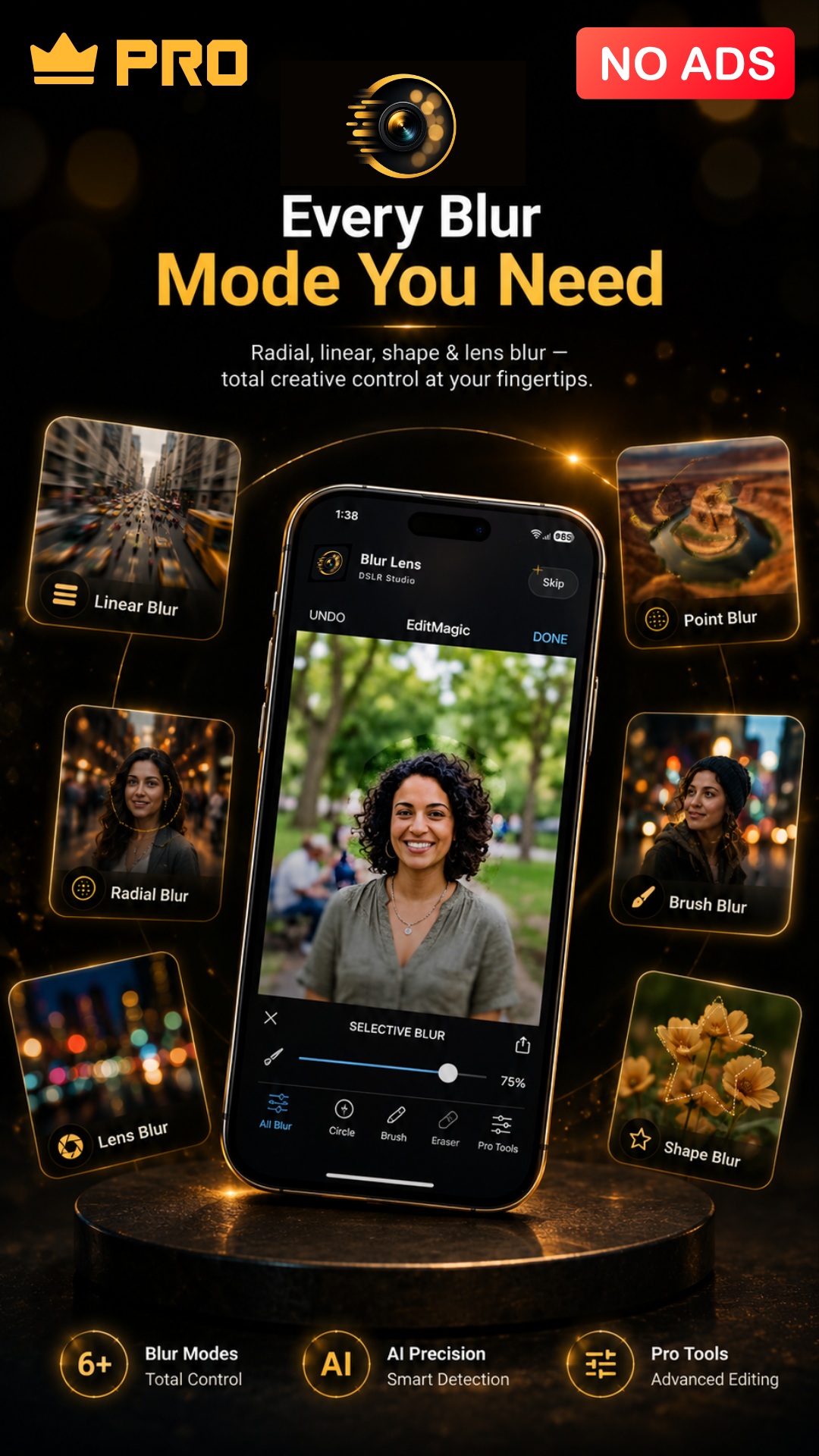
 Every Blur Mode You Need
Creative Shape Blur
Make Every Photo Stand Out
All Effects In One Place
Every Blur Mode You Need
Creative Shape Blur
Every Blur Mode You Need
Creative Shape Blur
Make Every Photo Stand Out
All Effects In One Place
Every Blur Mode You Need
Creative Shape Blur
Frequently Asked Questions
Blur Lens Pro provides full access to all 12 blur modes, Google ML Kit selfie segmentation, watermark-free high-resolution exports, advanced canvas typography overlays, and the 2–9 photo collage creator.
Portrait Blur uses the Google ML Kit Selfie Segmentation API to automatically isolate human subjects in real time, placing a soft, natural bokeh behind them while keeping foreground details crisp.
You get 12 distinct blur filters: Frosted Glass Blur, Spin Blur, Zoom Blur, Motion Blur, Duotone Blur, Bokeh Blur, Lens Blur, Radial Blur, Linear Blur, Point Focus Blur, Point Blur, and Shape Blur (with 10 customizable shapes: Heart, Star, Circle, Square, Hexagon, Triangle, Rectangle, Diamond, Pentagon, Oval with border controls).
Combine 2 to 9 photos into dynamic grids. Refine each cell using touch gestures to crop, pan, or scale images, customize grid padding and border-radius sliders, apply color filters (sepia, grayscale, vintage), and export directly to the DSLR Editor in 1 tap.
Yes! The interactive canvas allows you to position, resize, rotate, and color custom text layers with Google Fonts typography, drop auxiliary images for watermarks or double exposure, and step back anytime using the full undo/redo action stack.
Yes, all image processing occurs 100% locally on your device. No internet connection or account sign-in is required, keeping your photos entirely private.
Built with a Riverpod Theme Controller, Blur Lens Pro supports smooth switching between Light Mode, Dark Mode, and System Default settings, as well as a direct support mailer system and quick legal links.