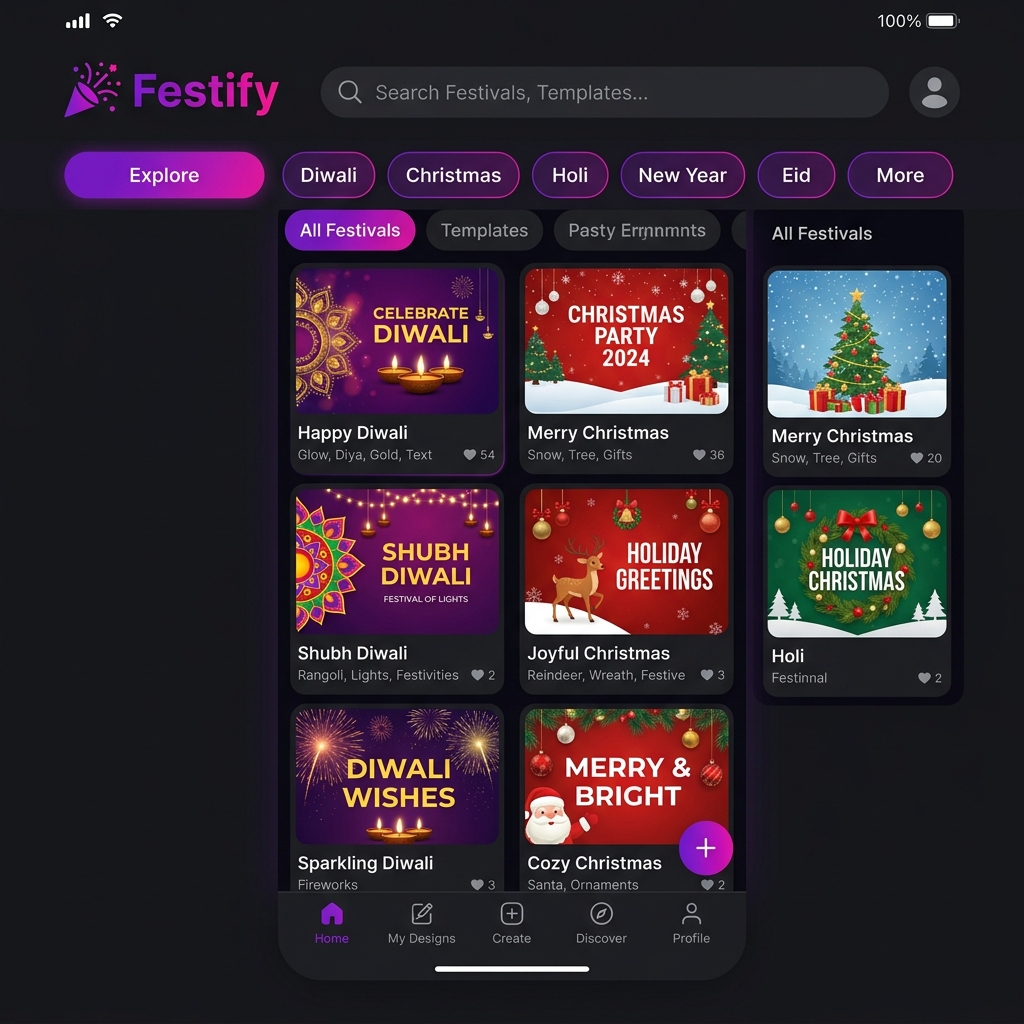
Explore Apps by Category
Find useful Android apps organized by purpose. Browse creative design tools, daily utility apps, and productivity tools.
How Our App Categories Work
How apps are sorted, reviewed, and kept fresh — and how you can shape the list.
Every app on ConversanLab is filed into one of four categories — Creative, Utility, Productivity, and Gaming — based on the job it does in your daily life rather than the marketing label its developer chose. That distinction matters. A barcode reader and a flashlight belong together not because they look alike, but because they both solve quick, everyday problems without getting in your way.
Getting listed is not automatic. Each app is installed, tested, and reviewed by the ConversanLab team on a range of Android devices before it appears, and three questions decide whether it stays: is it genuinely useful, is it easy to use, and does it behave reliably? We watch closely for apps that quietly drain battery, over-request permissions, or crowd the screen with ads — those do not make the cut, however polished their listing looks.
The directory is updated regularly as new releases are tested and as reader feedback comes in. Apps marked "Coming Soon" appear once they clear the same review. This is not a giant crawl of the entire Play Store; it is a small, maintained list that deliberately trades quantity for trust. That policy is what makes the app counts on each card meaningful: when a category says it holds a certain number of apps, those are apps we stand behind. Here is how the whole flow works:
You can shape the list too. If an app you use every day is missing, or you want a whole new category, the Contact page is the quickest route — every suggestion is read, and popular requests regularly move to the top of the review queue.
Browse App Categories
We organize apps into clear categories so you can find exactly what you need, faster.
Creative Apps
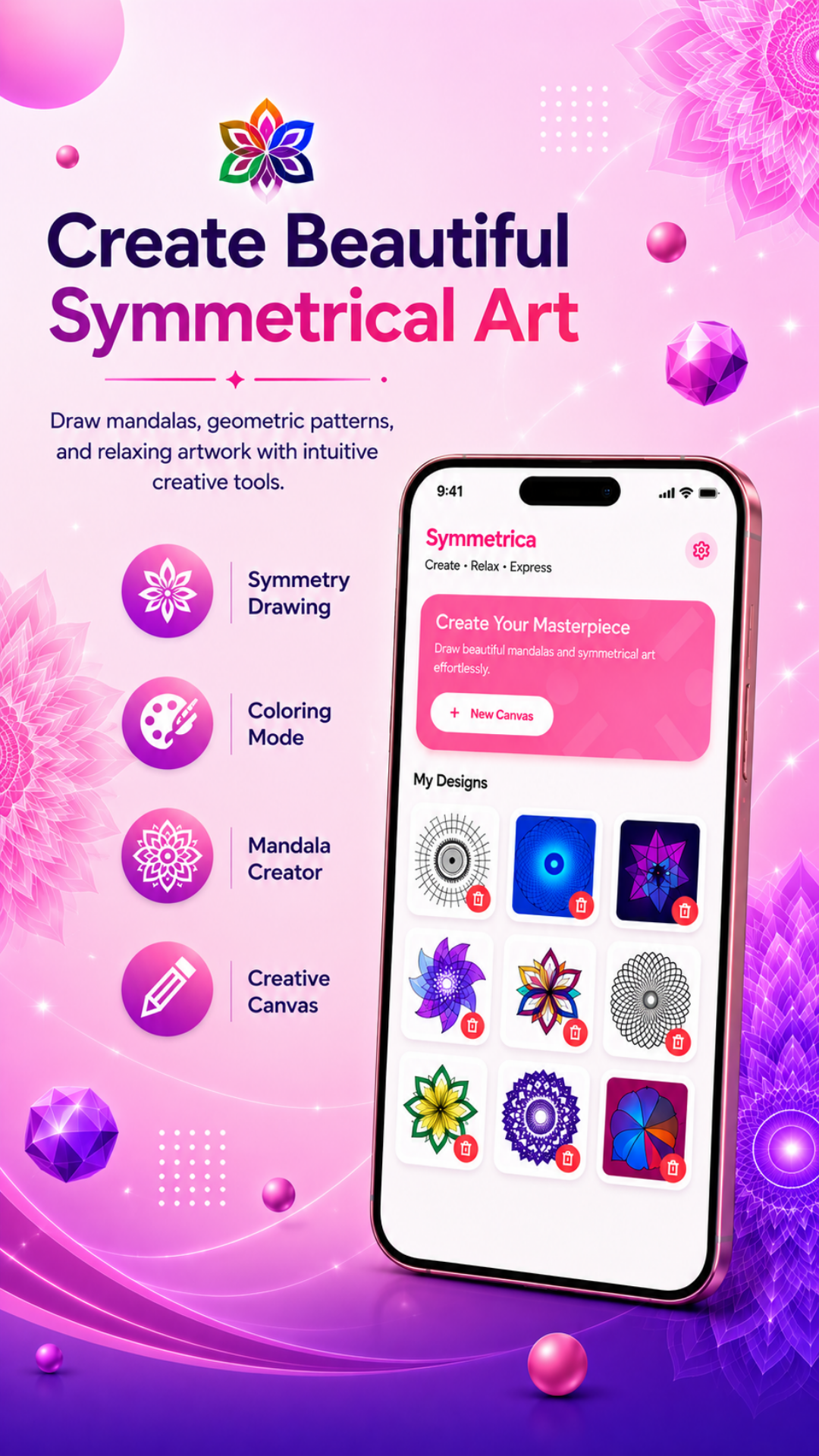
Poster makers, photo editors, invitation cards, and design tools for creators of all levels.
4 Apps Available Browse Creative Apps
Utility Apps
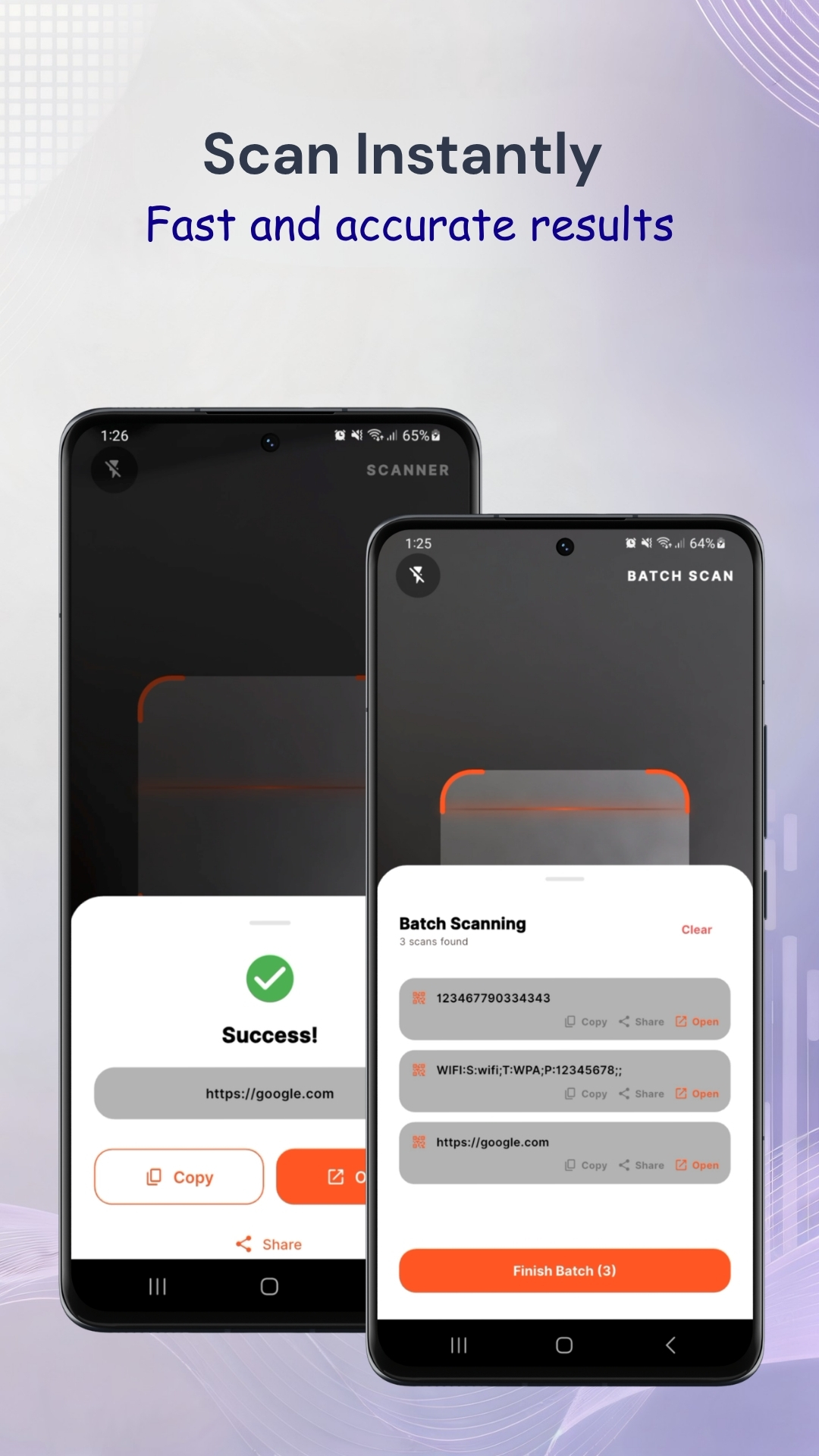
QR scanners, PDF tools, flashlight, barcode scanners, and essential daily-use tools.
3 Apps Available Browse Utility AppsProductivity Apps
Resume builders, notes apps, task planners, and work tools to help you stay organized.
5 Apps Available Browse Productivity AppsGaming Apps
Connect puzzles, brain training, strategy games, and offline fun.
2 App Available Browse Gaming AppsFinding the Right Category
If you are new to app discovery, the quickest way to find something useful is to start with what you want to accomplish rather than the app itself:
Creative Apps are for making things — festival posters, greeting cards, photo edits, and artwork. Open this category when you have an idea or an occasion and need a tool to turn it into something shareable.
Utility Apps solve small but frequent problems: scanning a QR code, using a flashlight, or managing everyday files. They are small, fast, and designed to get a job done in seconds.
Productivity Apps help you organize work and life — building a resume, managing calendars, controlling presentations, or turning notes into content. Pick these when you want to be more efficient.
Gaming Apps are for relaxation and brain training. These are lightweight, offline-friendly games you can play anywhere.
Frequently Asked Questions
Most apps on ConversanLab are free to download from Google Play. Some categories also include Pro versions with additional features, clearly marked on their cards.
Every app is reviewed for usefulness, ease of use, and reliability before it is listed. We only recommend apps that genuinely help users complete everyday tasks.
Yes. Use the Contact page to suggest an app or category. We actively look at user requests when expanding the directory.
Looking for a Specific App?
Browse our full app directory to find exactly what you need.