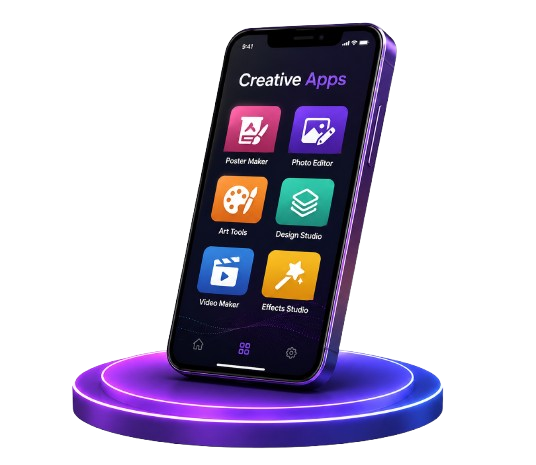
Creative Apps From Quick Edits to Real Work
How mobile tools fit alongside desktop software, and what to expect from each kind of app.
Creative apps on Android span a huge range — from a thirty-second photo touch-up while waiting at a bus stop to artwork you would print and frame. The good news is that the gap between "mobile edit" and "desktop finish" has narrowed a lot. Modern phones handle layers, masks, and high-resolution output, and the creative tools below were chosen because they put that power to work instead of simply stacking filters.
The most honest way to think about mobile versus desktop is as a division of labour rather than a competition. Phones are unbeatable for speed and portability: taking a photo, applying an effect, and sharing it in under a minute is what mobile does best. Desktop software still leads for long, precise sessions with full control. Pick whichever tool fits the task in front of you on a given day, rather than trying to replicate an entire studio workflow on a phone.
Offline support is a quiet superpower in this category. Drafting a festival poster, sketching an idea, or colouring a page in the middle of a journey all work with no signal at all — and the finished image can be shared the moment you are back online. As you look through the list, weigh these strengths:
The apps below — Symmetrica for drawing and colouring, CT Art Studio for photo effects and editing, and Blur Lens for DSLR-style bokeh — cover quick edits at one end and careful, hands-on creation at the other. Browse them, pick the one that matches how you like to create, and remember the best creative tool is the one you actually open.
Apps in Creative Category
Trusted creative apps available on Google Play.
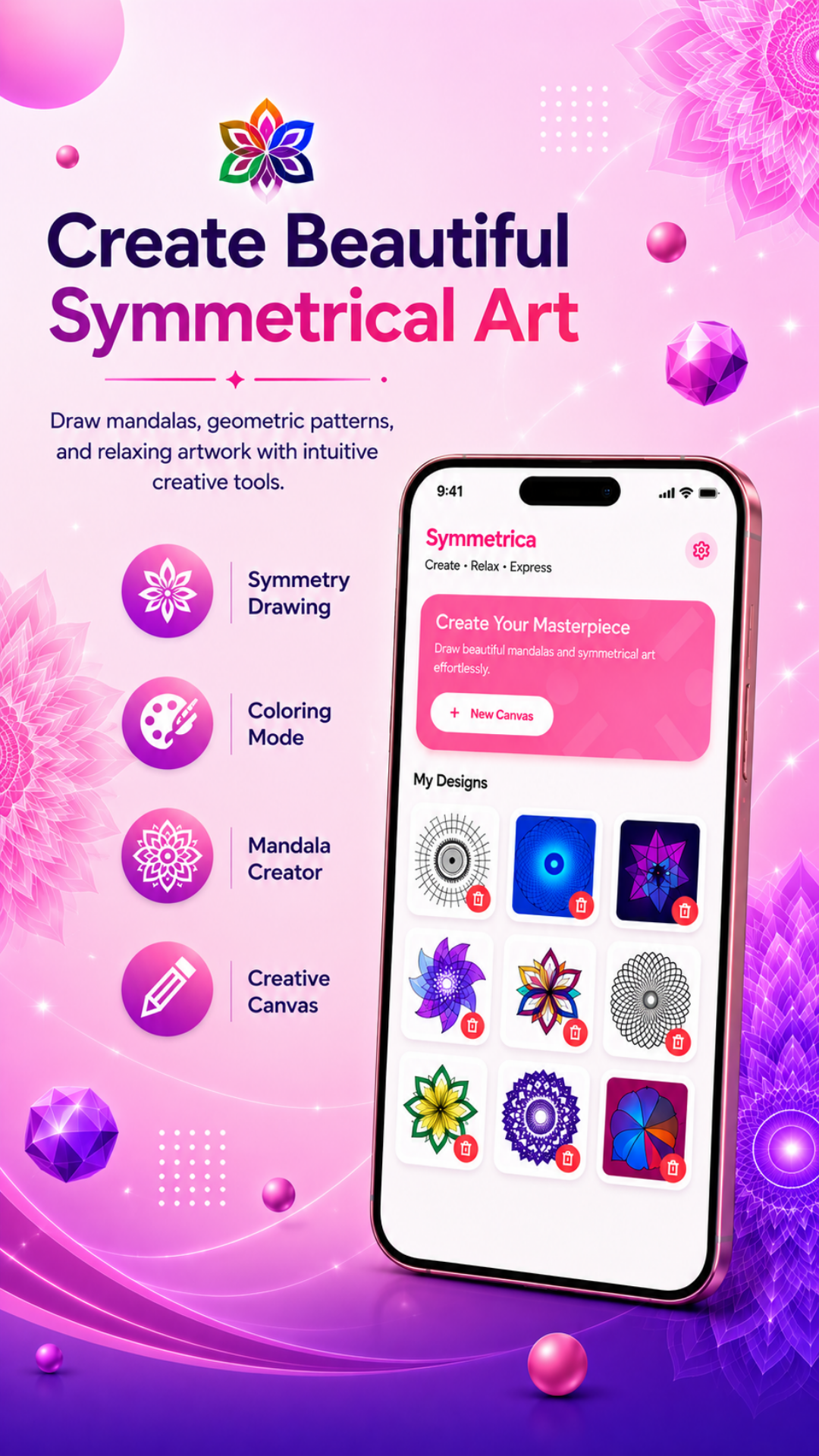
Create mesmerizing symmetrical art and mandalas with multiple symmetry modes, customizable brushes, and instant mirroring.
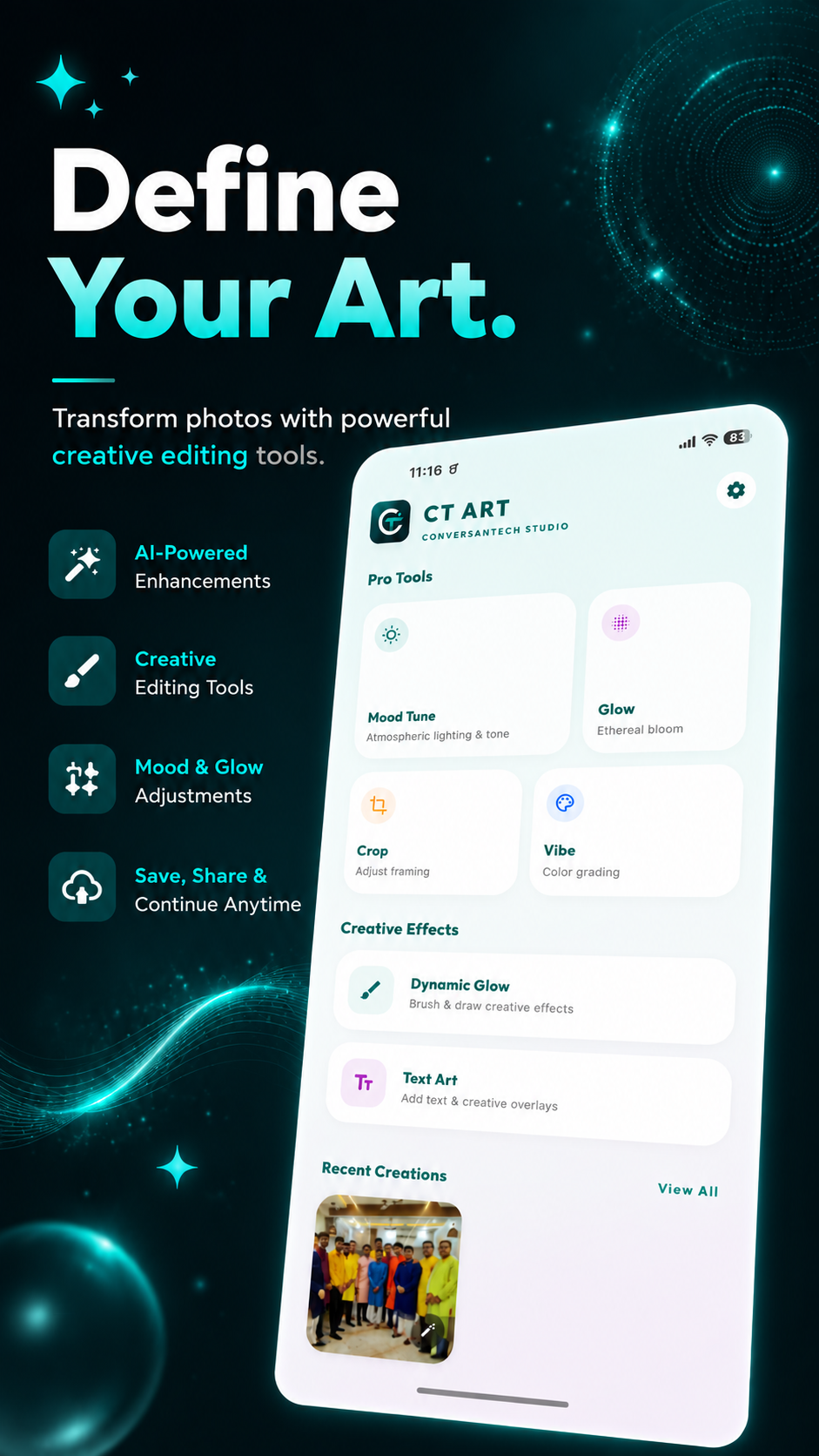
Transform photos with AI smart filters, fine-grained controls, crop & rotate, text, stickers, one-tap enhancements, and non-destructive high-res export.
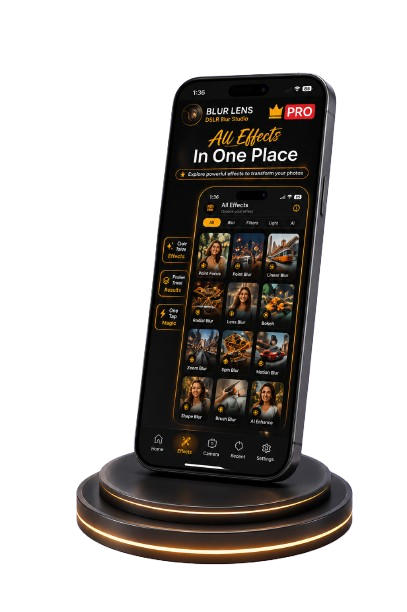
Add professional DSLR-style blur and beautiful bokeh effects to your photos. Makes portraits and profile photos look stunning with a single tap.
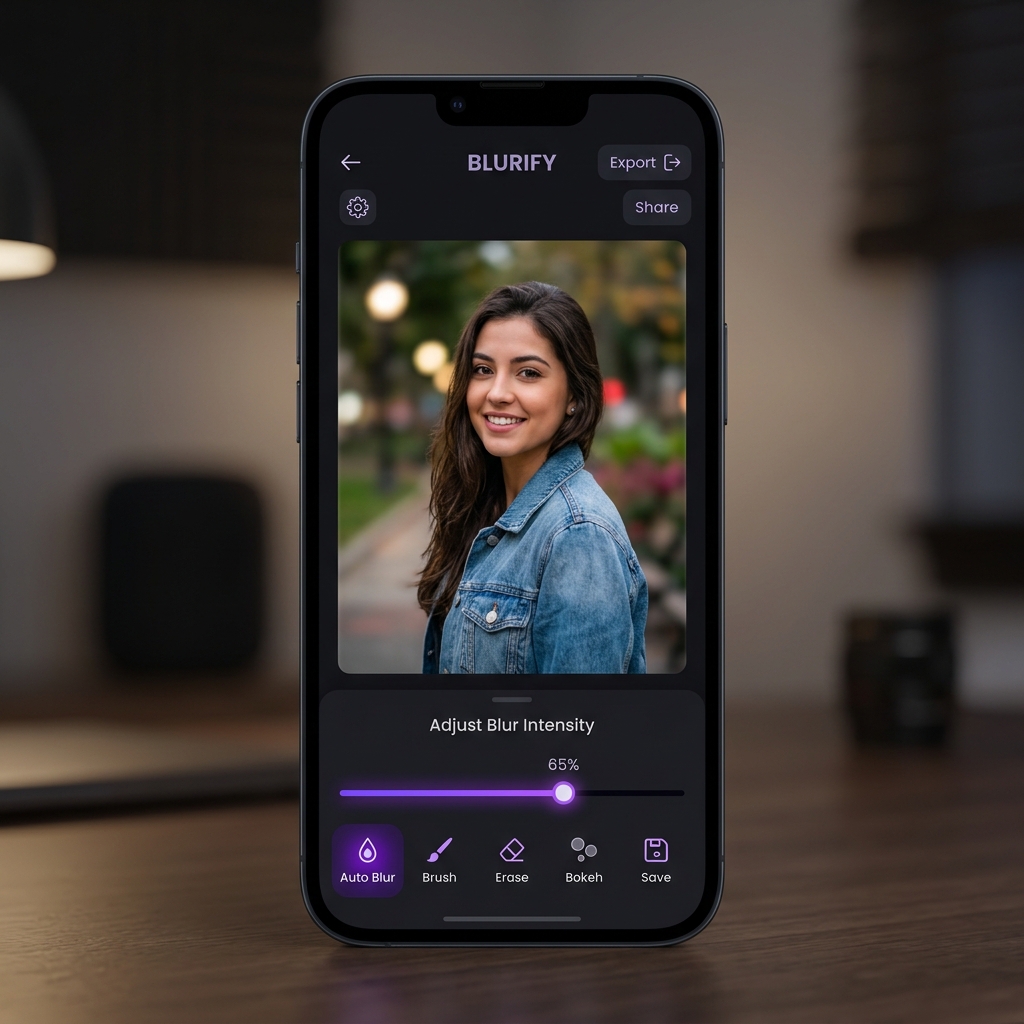
Unlock premium DSLR blur tools and advanced bokeh shapes for professional-grade photography. Fully offline and ad-free experience.
Popular Guides for Creative Apps
.png)
Why Creative Apps Are Useful
Professional design is now accessible to everyone. Here's why you need them.
No Experience Needed
You don't need expensive software or a design degree to create stunning graphics. Templates do the heavy lifting.
Save Time & Money
Create promotional materials, business posters, and family greetings in minutes, completely free directly from your phone.
Ready to Share
Export your creations in high quality, perfectly sized and ready to share instantly on WhatsApp, Instagram, or Facebook.
Creative Apps — Quick Answers
No. Creative apps on ConversanLab are built around ready-made templates and one-tap tools. You pick a layout, customize text and images, and export — no design skills required.
For festival and event posters, a poster maker with festival-ready templates is the fastest choice. For retouching photos before designing, use a photo blur editor to clean up the image first.
All creative apps listed here are free to download from Google Play. Premium Pro versions exist for power users and are clearly labeled as Pro on their cards.
Yes. Exports are saved in high resolution and sized for social sharing, so you can post straight to WhatsApp, Instagram, or Facebook without re-editing.