
CT Art Studio
Most free editors make you choose between power and patience. CT Art Studio gives you both: one-tap AI enhancements for instant results, plus fine-grained controls, crop & rotate, text, and stickers — every step preserving your original and exporting crisp, high-resolution photos to social.
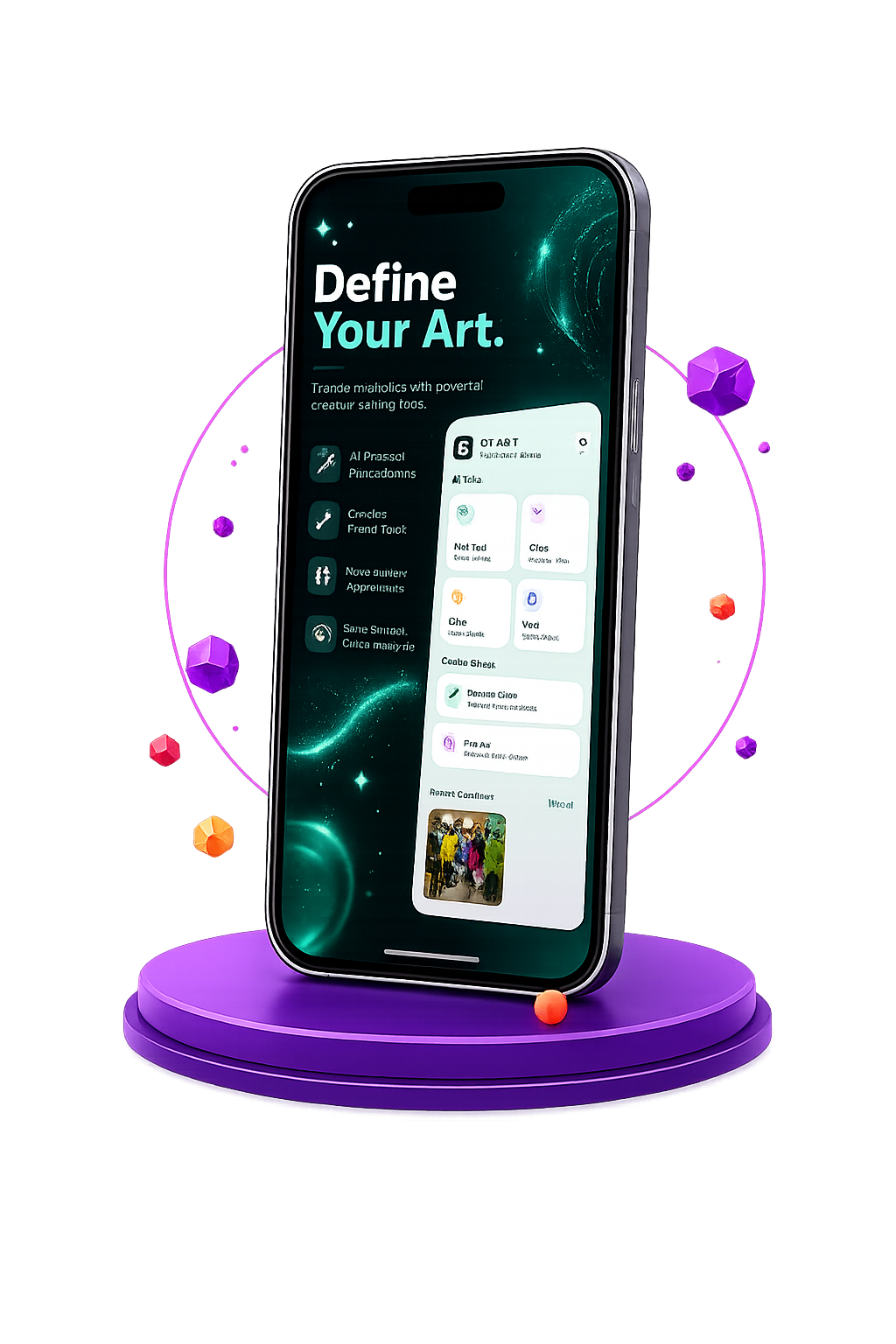
Get CT Art Studio
on Your Phone

Scan the QR code
below to download the app from
Google Play Store.
Everything You Need to Create
Powerful photo editing and creative tools packed into one app.
Advanced Photo Editing
Adjust brightness, contrast, saturation, and more with fine-grained controls.
Smart Filters
Apply AI-powered filters to instantly transform your photos.
Intuitive Crop & Rotate
Easily frame your shots with customizable aspect ratios and precise rotation tools.
Creative Text & Stickers
Add a personal touch with a wide variety of fonts and high-quality stickers.
One-Tap Enhancements
Magically improve photo quality, remove blemishes, and correct lighting with a single tap.
Non-Destructive Editing
Experiment freely knowing your original photo is always preserved.
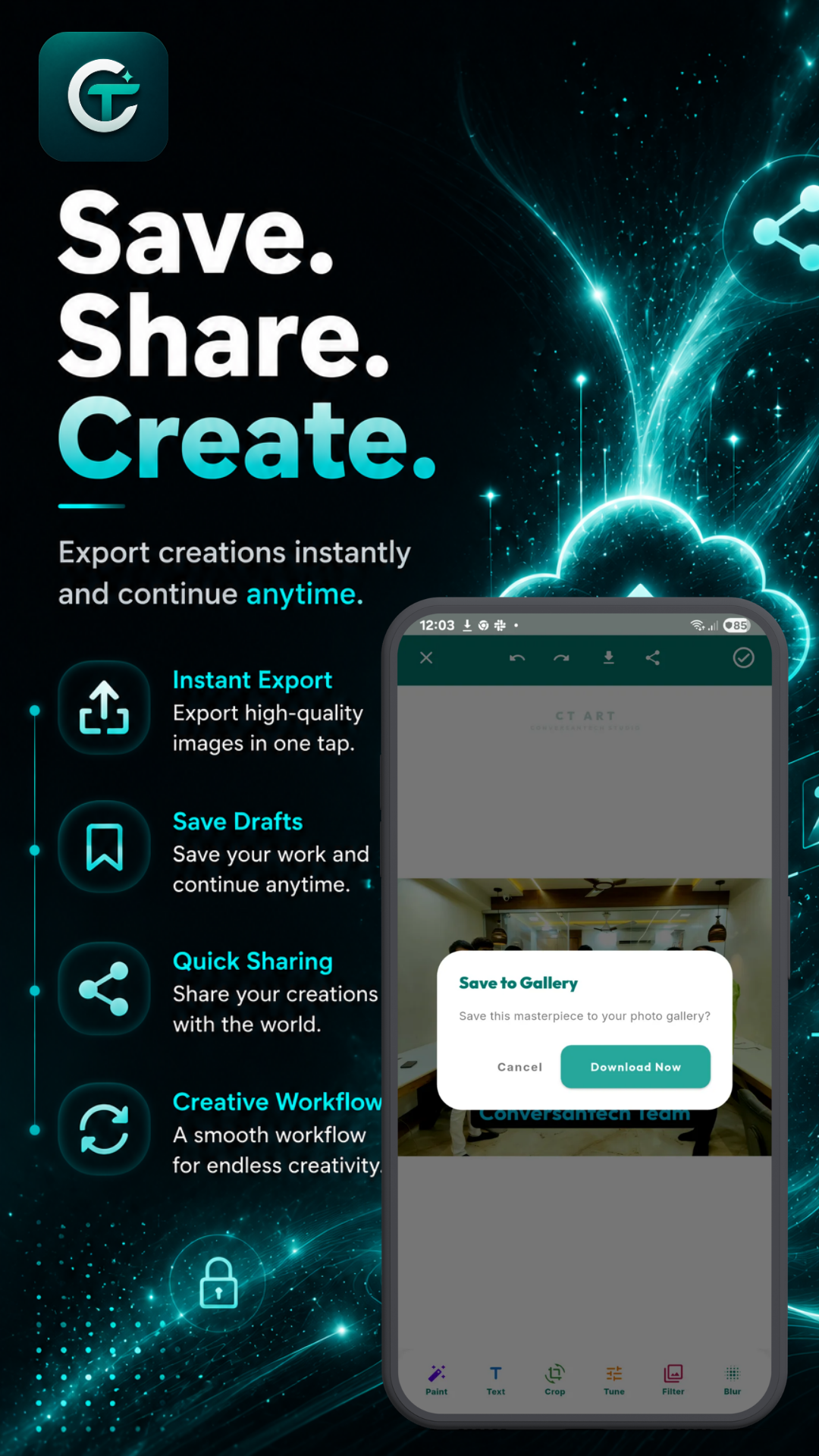
High-Resolution Export
Save your masterpieces in stunning high quality, ready for sharing or printing.
Seamless Social Sharing
Instantly share your edited photos to your favorite social networks directly from the app.
Start Editing in Seconds
-
1
Select & Frame
Choose a photo from your gallery and frame it using intuitive crop & rotate tools with custom aspect ratios.
-
2
Edit & Enhance
Apply AI smart filters, use one-tap enhancements to correct lighting and blemishes, tweak fine controls, or add fonts & stickers.
-
3
Export & Share
Save your high-resolution creation with non-destructive preservation, and share seamlessly to your favorite social networks.
Pro Photo Editing Made Simple
CT Art Studio is a feature-packed photo editor designed to transform your photos with pro-level tools and AI-powered smart features, giving you complete creative freedom.
Smart AI Filters
Instantly transform photos with AI-powered filters and one-tap enhancements.
Advanced Editing Controls
Adjust brightness, contrast, saturation, crop & rotate with precision.
Non-Destructive Export
Keep original photos safe and export high-res images for instant social sharing.
What People Use CT Art Studio For
School & College Projects
Frame images with customizable aspect ratios, add creative text, overlays, and stickers to photos for presentations and academic assignments.
Social Media Content
Apply AI smart filters, add high-quality stickers, export in high-resolution, and share directly to Instagram, TikTok, or WhatsApp seamlessly.
Personal Photo Touch-ups
Use one-tap enhancements to correct lighting and remove blemishes, and adjust brightness, contrast, and saturation with fine-grained controls.
Creative Photo Art
Experiment freely with non-destructive editing knowing your original photo is safe, while saving crisp high-resolution outputs for printing or archiving.
Tips for Getting Started
-
1
Frame your photo first. Use intuitive crop & rotate tools with preset aspect ratios to align your shot before editing.
-
2
Try one-tap enhancements. Fix lighting and remove blemishes in seconds, then fine-tune brightness, contrast, and saturation.
-
3
Combine smart filters & text. Apply AI-powered filters and personalize with custom fonts and high-quality stickers.
-
4
Export in high resolution. Benefit from non-destructive editing so your original photo stays intact while you export and share high-res artwork directly to social media.
App Screenshots
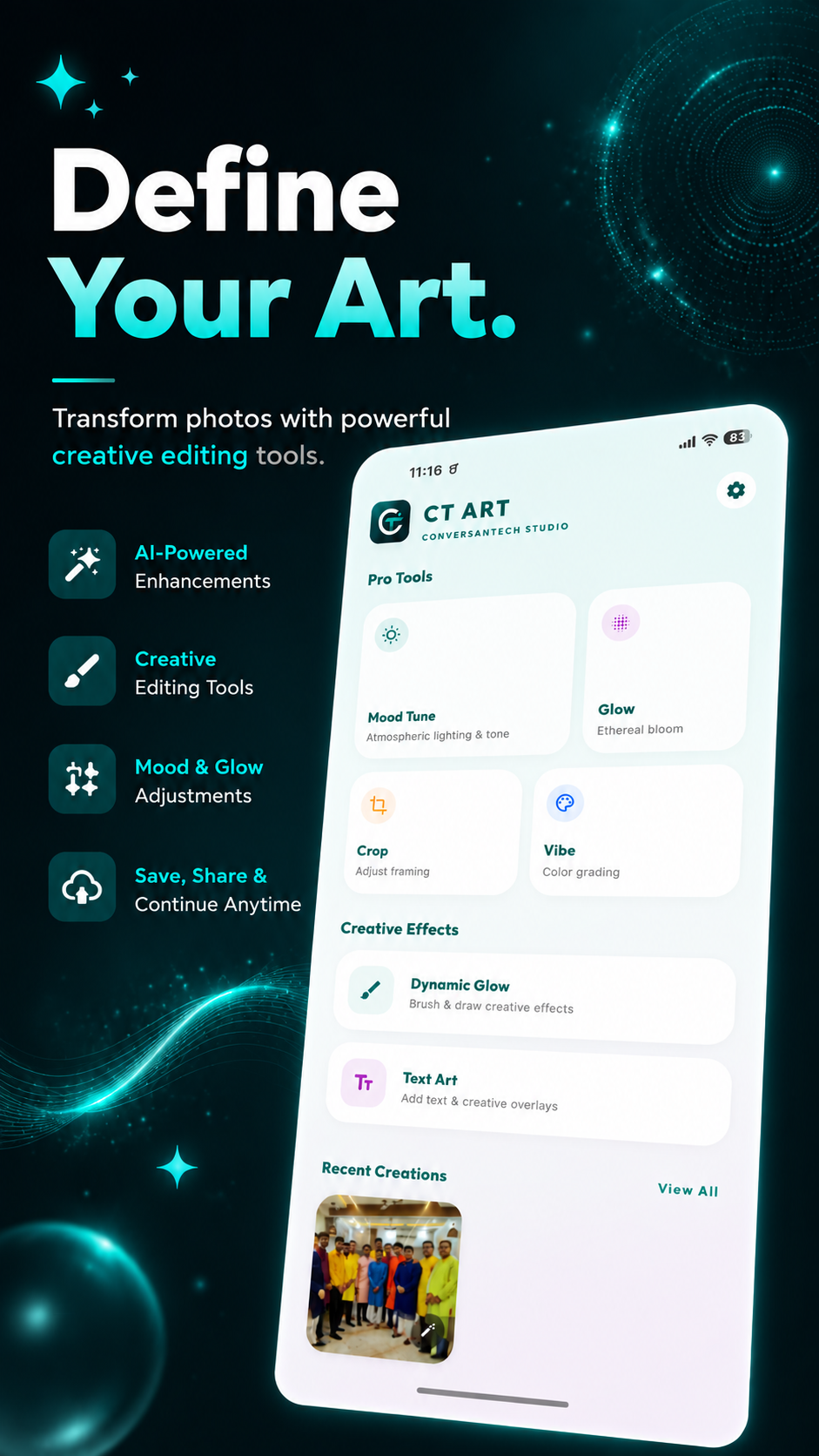 Dashboard
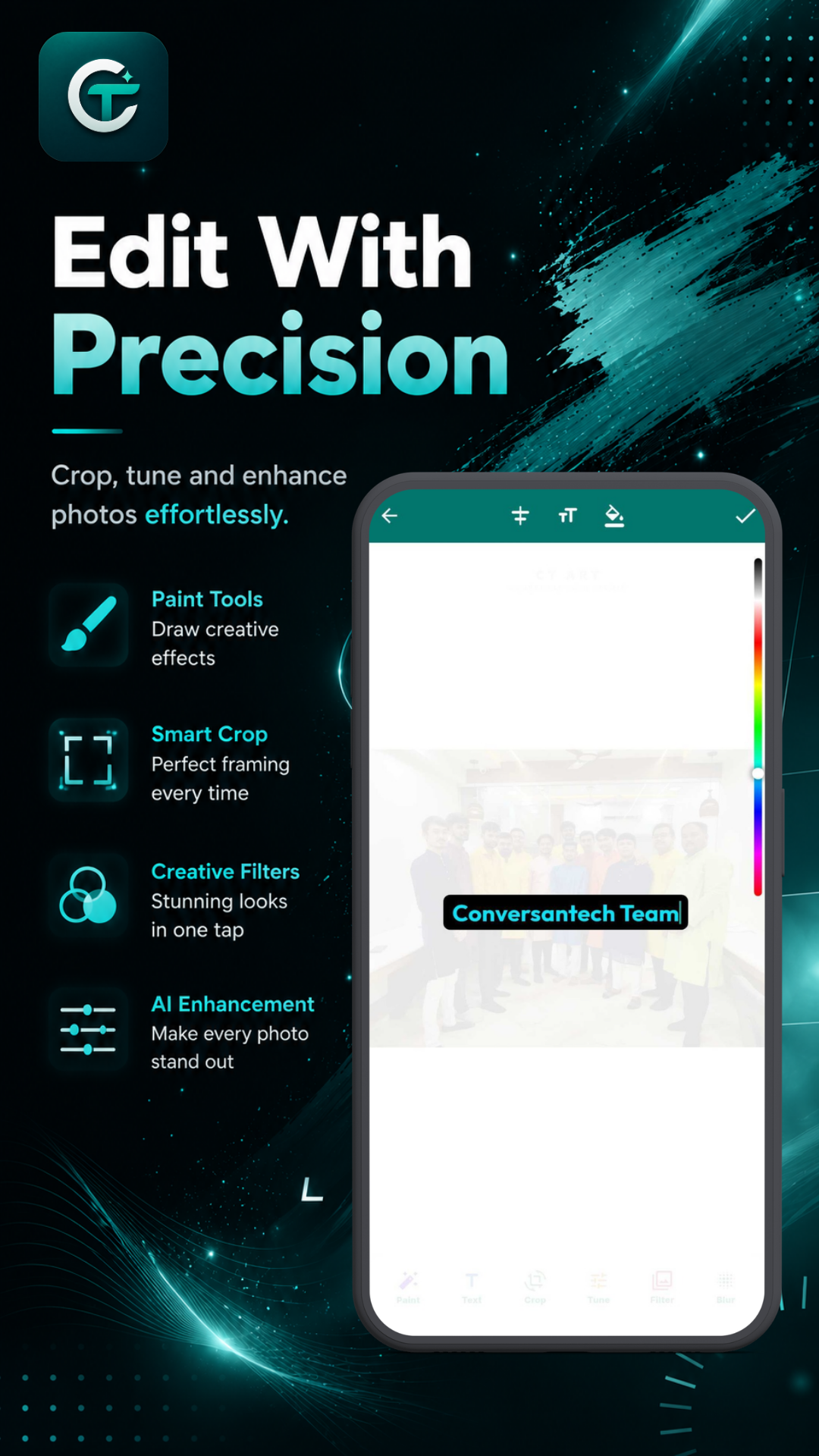 Features
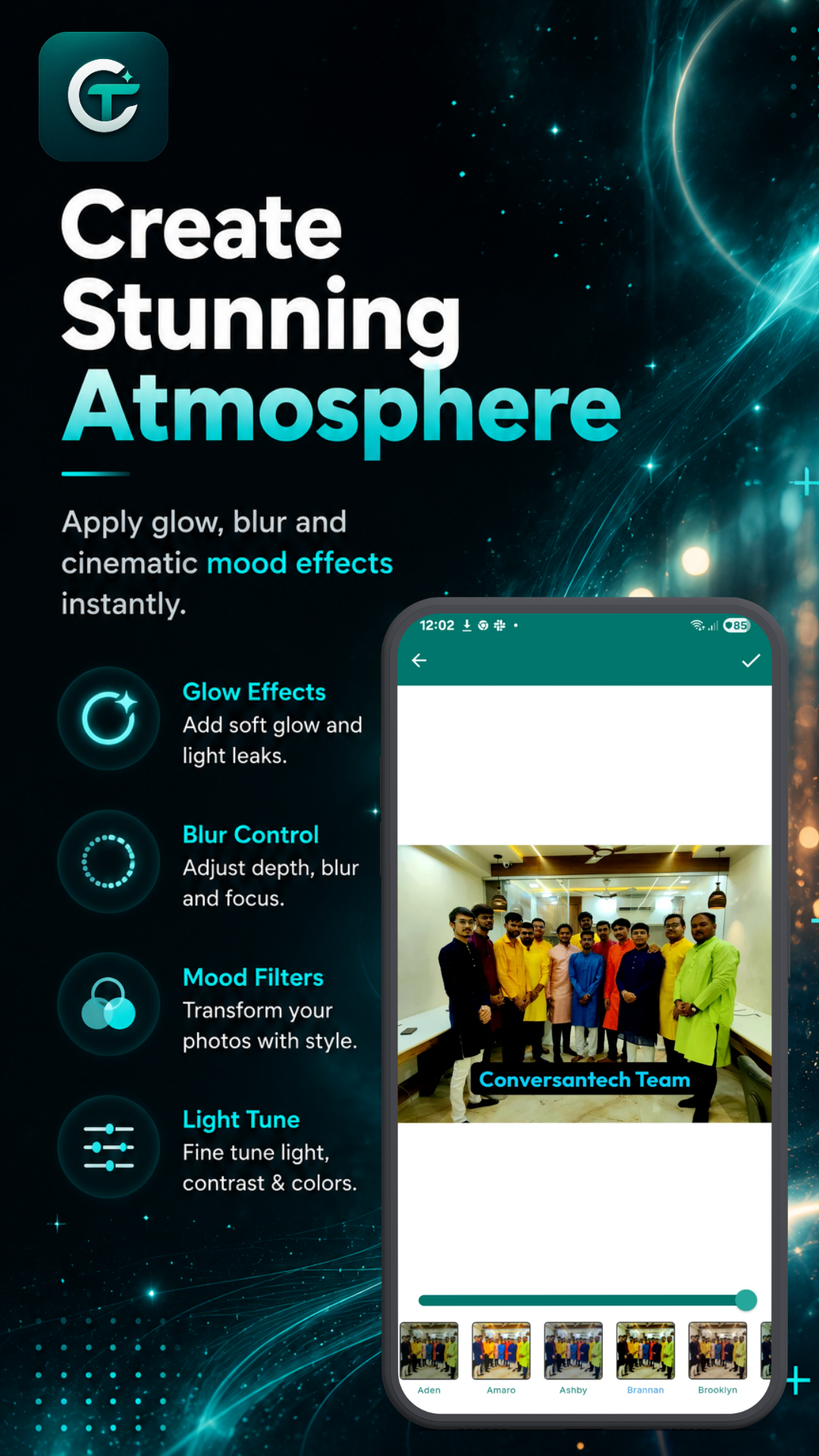 Editing
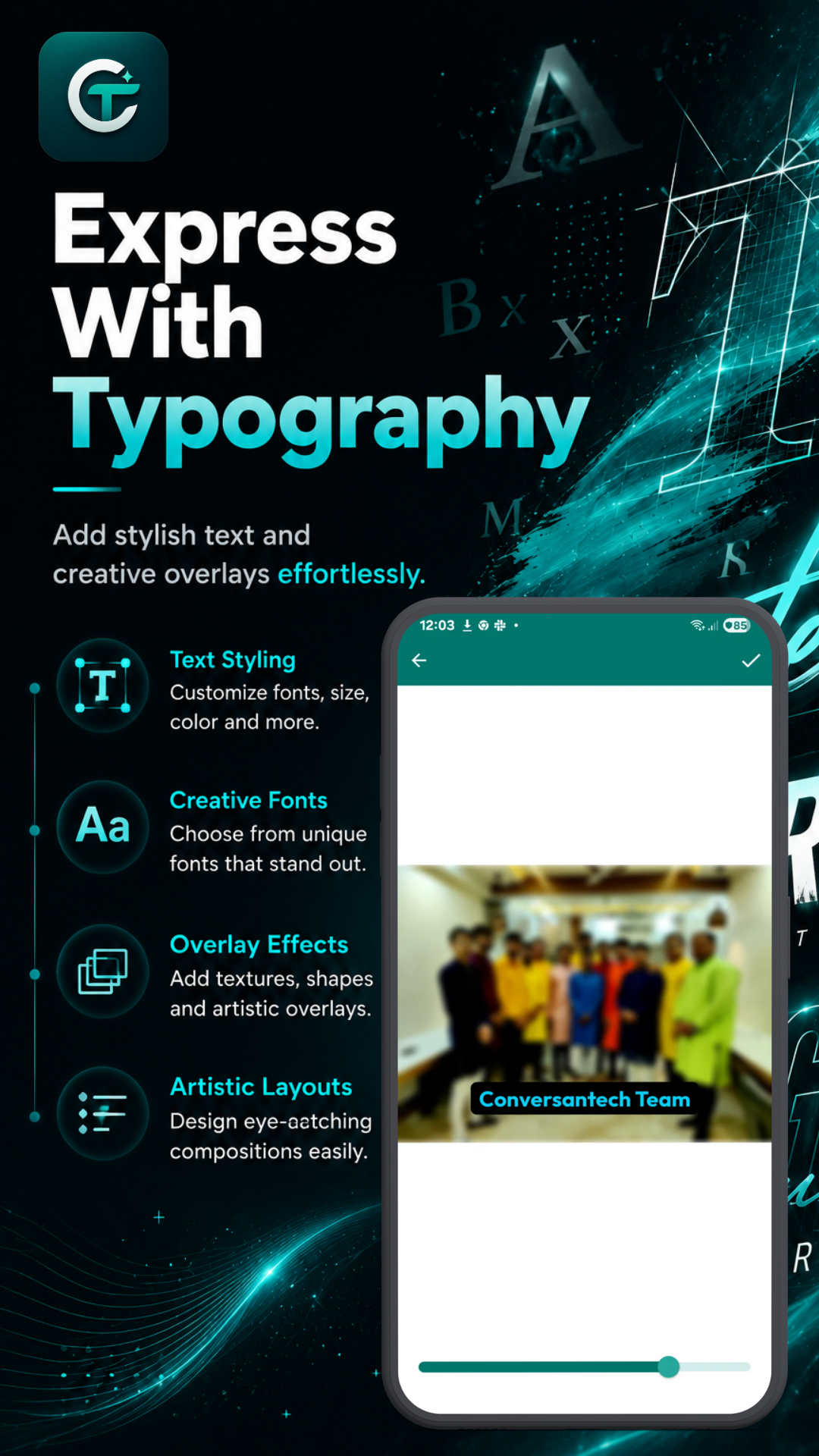 Filters
 Effects
Dashboard
Features
Editing
Filters
Effects
Effects
Dashboard
Features
Editing
Filters
Effects
Frequently Asked Questions
No, CT Art Studio works offline for photo editing. All processing is done locally on your device.
No login is required. CT Art Studio does not require user accounts or passwords.
No, user photos are not uploaded to our servers. Everything is performed directly on your device.
The app requires photo permission so you can select images from your gallery to edit, and save the edited creations back to your device.