Blur Lens - DSLR Blur Studio
Transform your ordinary photos into stunning professional-quality images with realistic DSLR-style blur and bokeh effects — right from your smartphone.
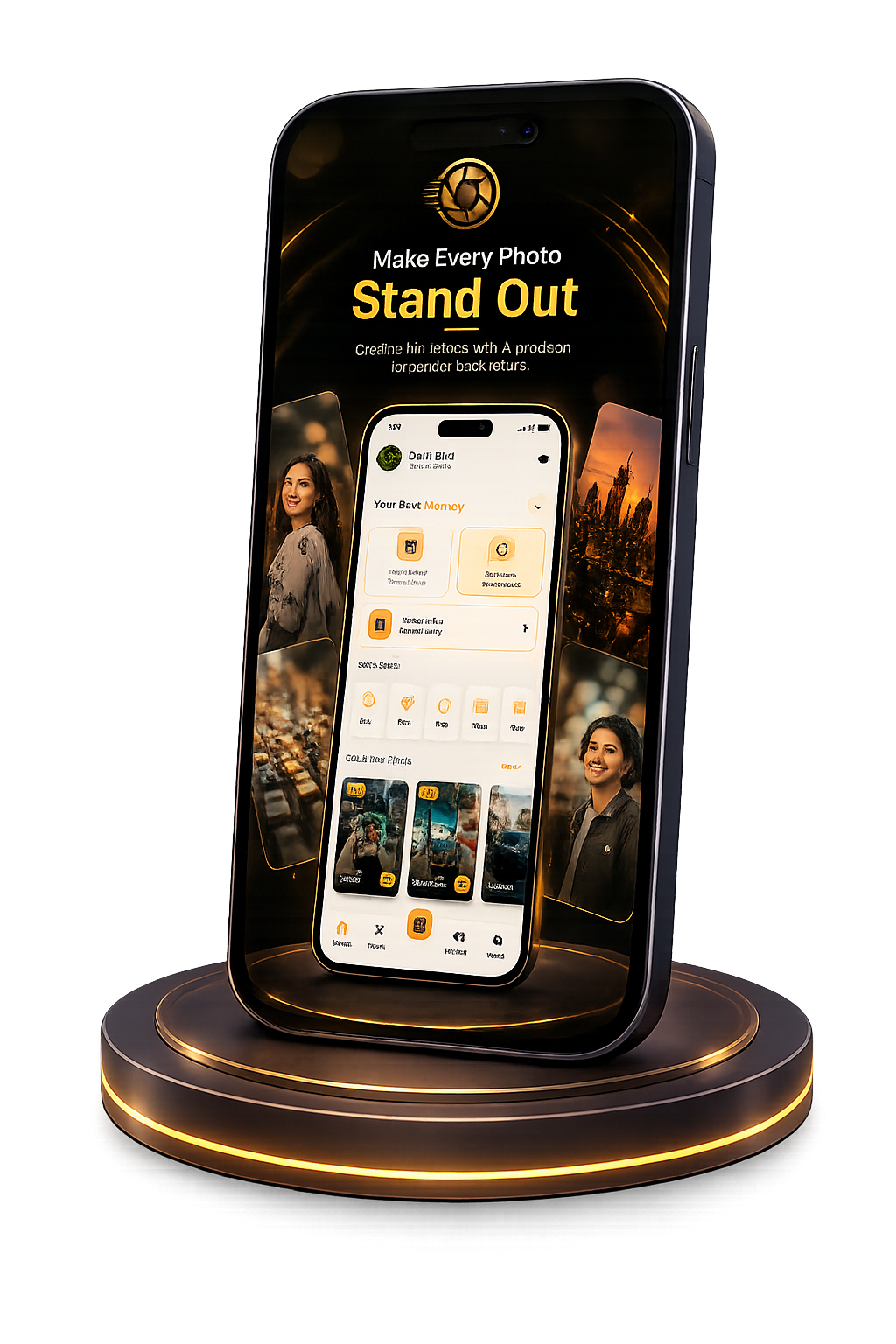
Get Blur Lens
on Your Phone
Scan the QR code
below to download the app from
Google Play Store.
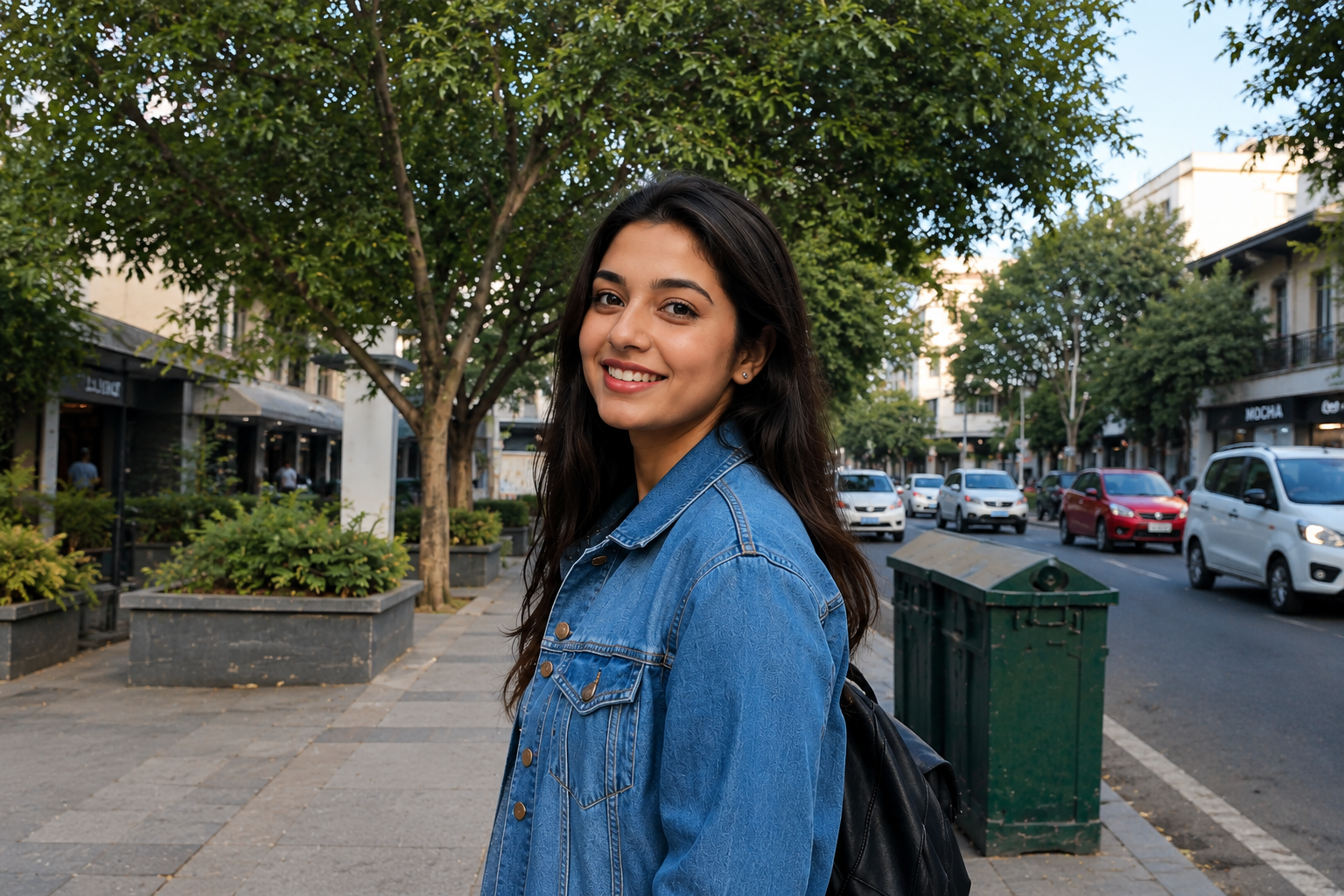
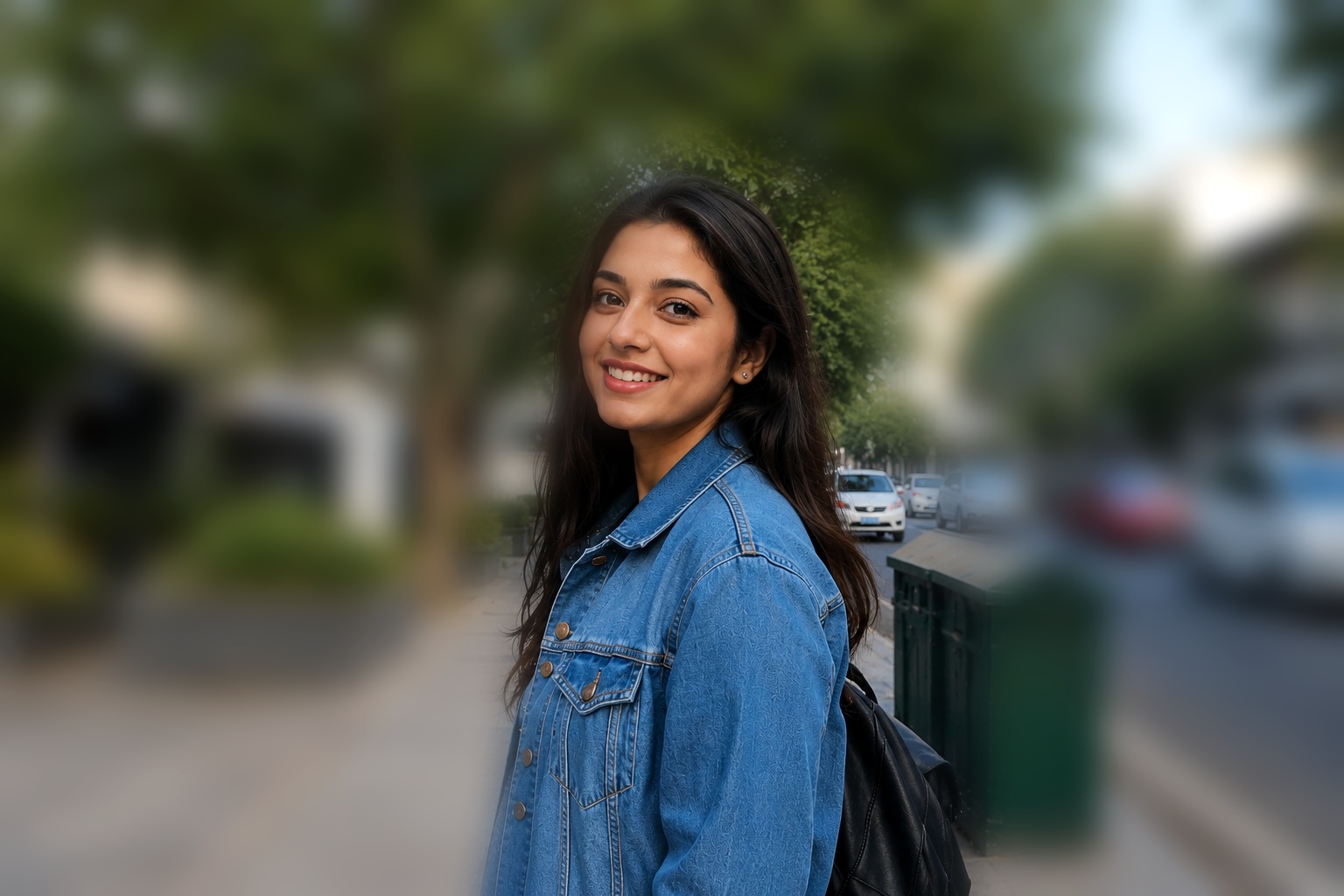
See the Blur Engine In Action
A quick look at the advanced blur pipeline behind every export.
12 Advanced Blur & Focus Modes
Explore 12 distinct blur filters designed for creative flexibility and precision depth-of-field control.
Point Focus Blur
Tap anywhere on the photo to establish a focal point, leaving surrounding areas softly blurred.
Point Blur
Directly paint blur onto specific target areas with precision touch brush controls.
Linear Blur
Creates a band-like focus zone, ideal for tilt-shift photography and miniature cityscape effects.
Radial Blur
Circular blur radiating outward from a customizable central focal point.
Lens Blur
Simulates optical camera lens defocus for natural depth of field and soft background light blur.
Shape Blur
Applies blur outside 10 geometric shape masks (Heart, Star, Circle, Square, Hexagon, Triangle, Rectangle, Diamond, Pentagon, Oval) with customizable border color & thickness.
Frosted Glass Blur
Creates a translucent frosted glass texture overlay with soft light diffusion and realistic texture.
Spin Blur
Simulates rotational movement, adding dynamic rotational motion blur around a central axis.
Zoom Blur
Creates a dramatic fast-zoom motion blur effect bursting toward or away from the focal center.
Motion Blur
Simulates high-speed directional motion along customizable angle and distance vectors.
Duotone Blur
Blends two vibrant color tones into blurred background layers for stylized artistic photos.
Bokeh Blur
Generates soft hexagonal and circular light flares for cinematic background bokeh highlights.
Premium UI & Interactive Canvas
Full creative control over layers, typography, gesture adjustments, and real-time intensity sliders.
Dynamic Backgrounds
Immersive star twinkling particles and ambient gradient glowing accents for a stunning editing studio.
Gesture Adjustments
Pinch to scale, drag to reposition, and rotate focus areas directly on the image canvas.
Text & Image Overlays
Add custom text with Google Fonts typography or drop auxiliary images for watermarks & double exposure.
Granular Intensity Slider
Fine-tune blur strength in real time with continuous preview to achieve perfect depth balance.
How to Use Blur Lens
-
1
Install the App
Download Blur Lens: DSLR Blur Studio from Google Play and launch it from your home screen.
-
2
Load Your Photo
Bring in a JPG or PNG from your gallery, or capture a new frame right inside the editor.
-
3
Select a Blur Engine
Choose the blur type that fits your shot, from portrait and radial basics to spin and zoom bursts.
-
4
Fine-Tune the Output
Work with precise sliders for radius and feathering so every edit holds up at full resolution.
-
5
Export Clean and Share
Save a high-resolution copy to your gallery or share it directly to social apps.
Why Choose Blur Lens
Professional-grade blur editing with premium tools, clear exports, and priority processing.
Studio-Grade Optics
Precision Editing Controls
Priority On-Device Processing
HD Quality Export
Skippable Sign-In
Optimized Rendering
About Blur Lens – DSLR Blur Studio
Blur Lens – DSLR Blur Studio is an easy-to-use photo editor powered by Google ML Kit AI for real-time subject detection, 12 precision blur modes, 10 shape masks, canvas typography overlays, HD exports, and 100% offline privacy.
AI Detection & 12 Blur Filters
Real-time subject isolation paired with 12 filters like Frosted Glass, Motion, Zoom, Duotone, Bokeh, Lens, and 10 Shape masks.
Interactive Canvas & Text Overlays
Pinch, drag, and rotate custom text with Google Fonts typography, add watermark overlays, and adjust intensity sliders.
Collage Studio & HD Export
Combine 2–9 photos into custom grids with padding controls, apply color filters, and export HD photos.
App Screenshots
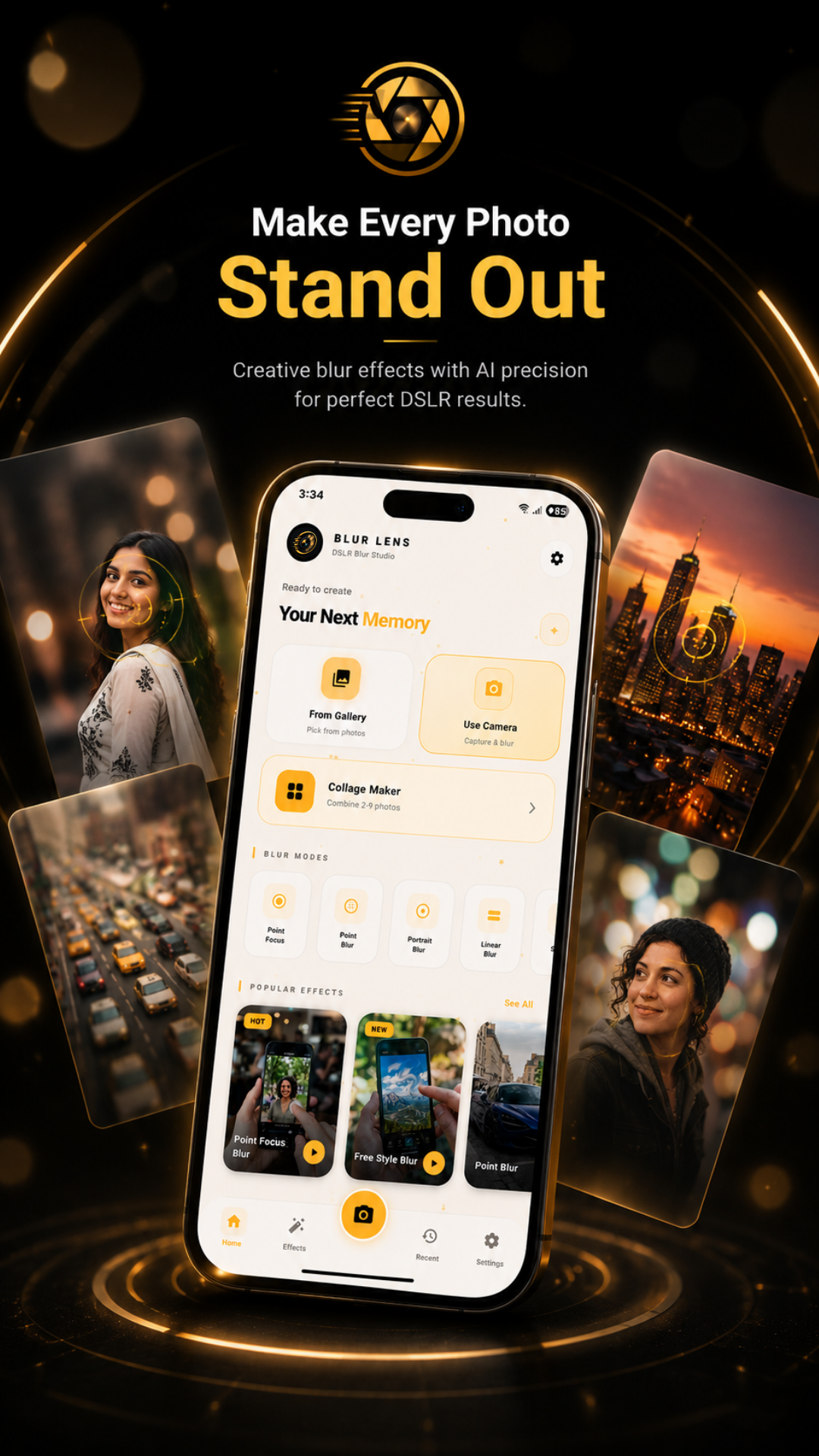 Make Every Photo Stand Out
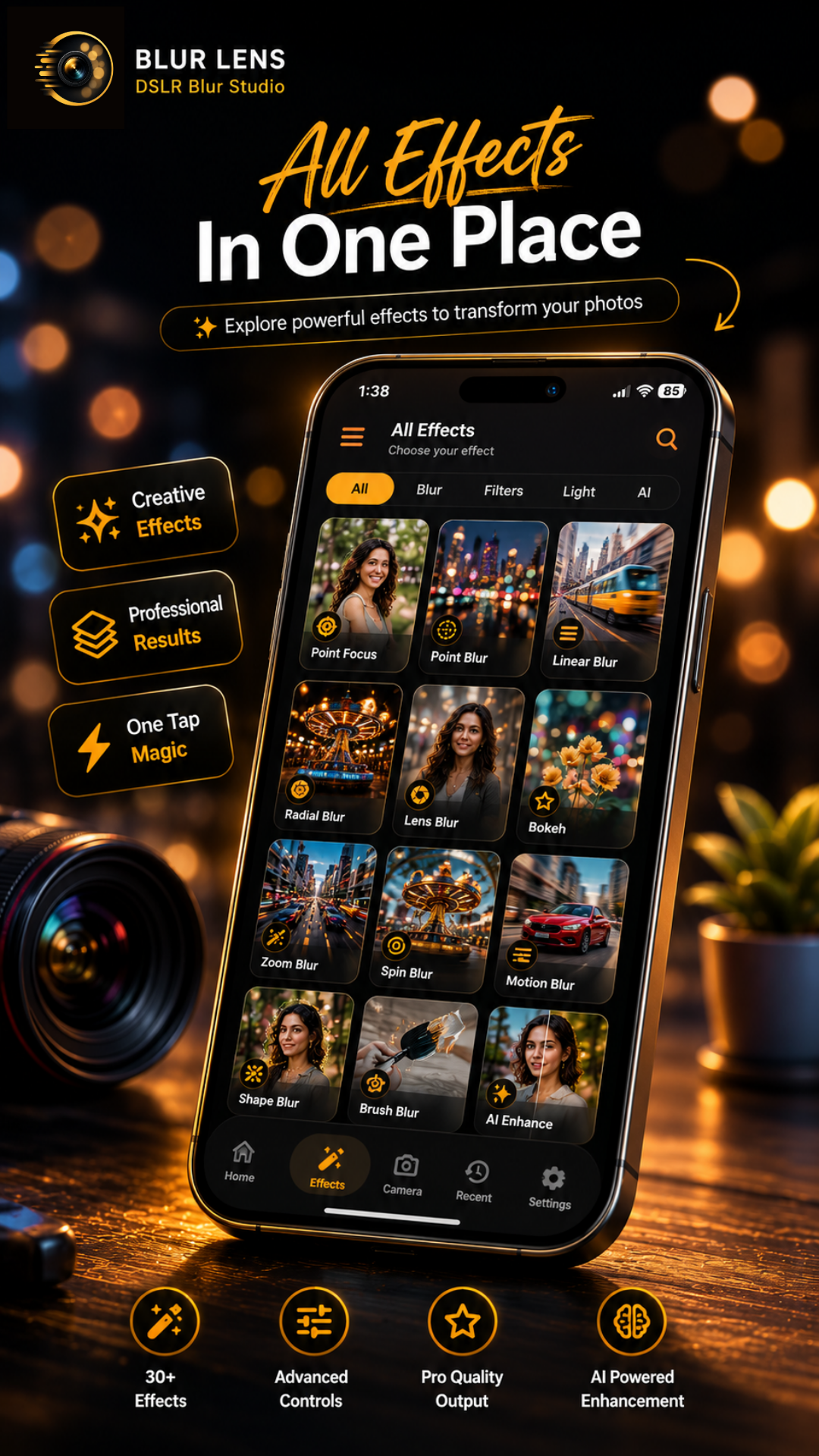 All Effects In One Place
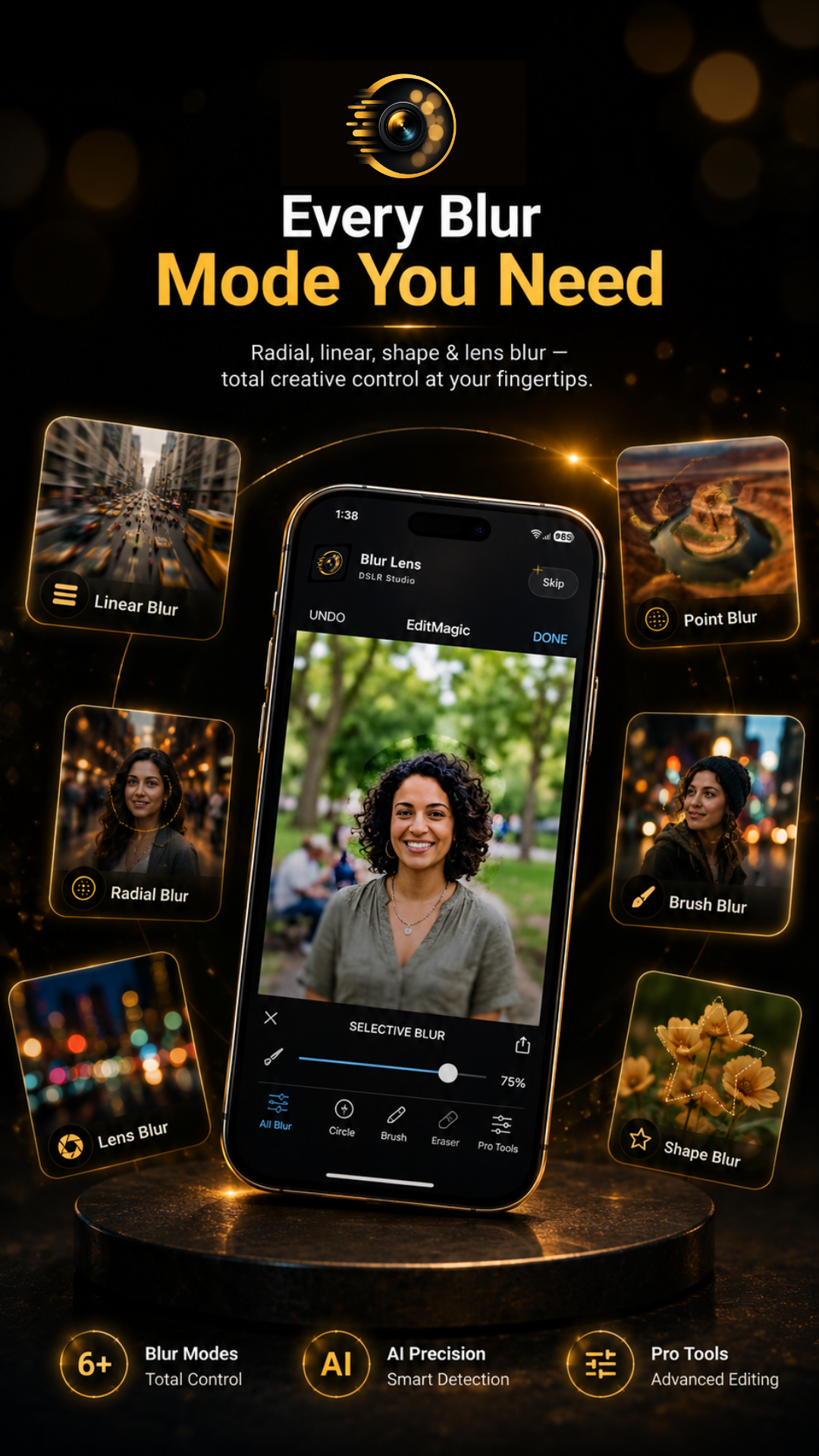 Every Blur Mode You Need
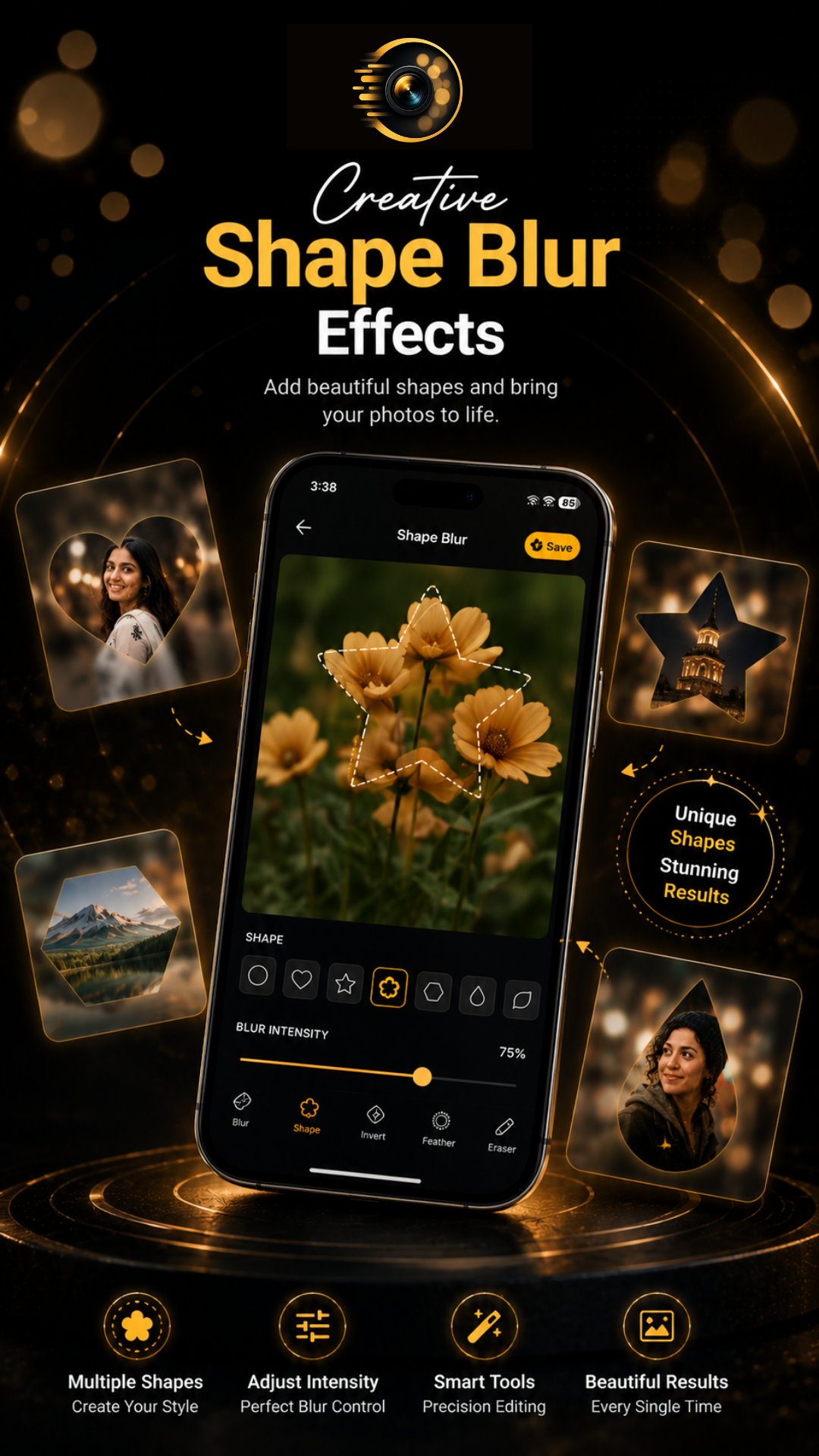 Creative Shape Blur
Make Every Photo Stand Out
All Effects In One Place
Every Blur Mode You Need
Creative Shape Blur
Creative Shape Blur
Make Every Photo Stand Out
All Effects In One Place
Every Blur Mode You Need
Creative Shape Blur
Frequently Asked Questions
Yes, Blur Lens is free to download from Google Play. All core blur features are available for free.
Yes, Blur Lens works completely offline. You can import, edit, and save photos without an internet connection.
The app includes DSLR blur, background blur, bokeh effect, radial blur, zoom blur, motion blur, and tilt-shift style options.
No, all image processing is performed entirely on-device. No photos are uploaded or transmitted to any server.
Yes, Blur Lens adds a watermark to your edited photos.
Blur Lens supports all common image formats including JPG and PNG.
Yes, you can share edited photos directly to Instagram, WhatsApp, Facebook, and other apps.
Yes, the Portrait Blur mode intelligently blurs backgrounds for stunning portrait shots similar to professional DSLR bokeh.
No, the app does not require a user account or network access to function.