
QR Code Scanner & Barcode Generator
A simple, fast, and secure tool for scanning and creating QR codes and barcodes. Designed to work completely offline, this app respects your privacy by processing everything directly on your device — no accounts, no cloud syncing, and no data collection.
Get QR Code Scanner
on Your Phone
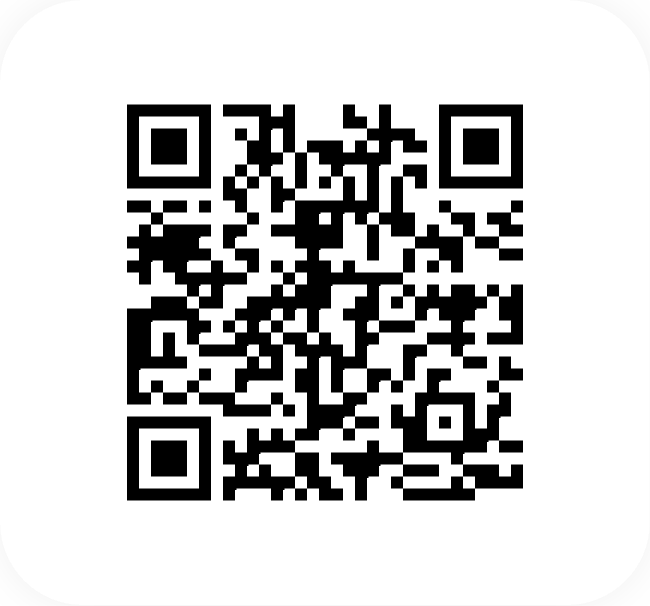
Scan the QR code
below to download the app from
Google Play Store.

Key Features
Everything you need in a QR and barcode scanner app.
Advanced Scanner
Lightning-fast detection of QR codes and all major 1D/2D barcodes (EAN, UPC, Code 128, etc.).
Batch Mode
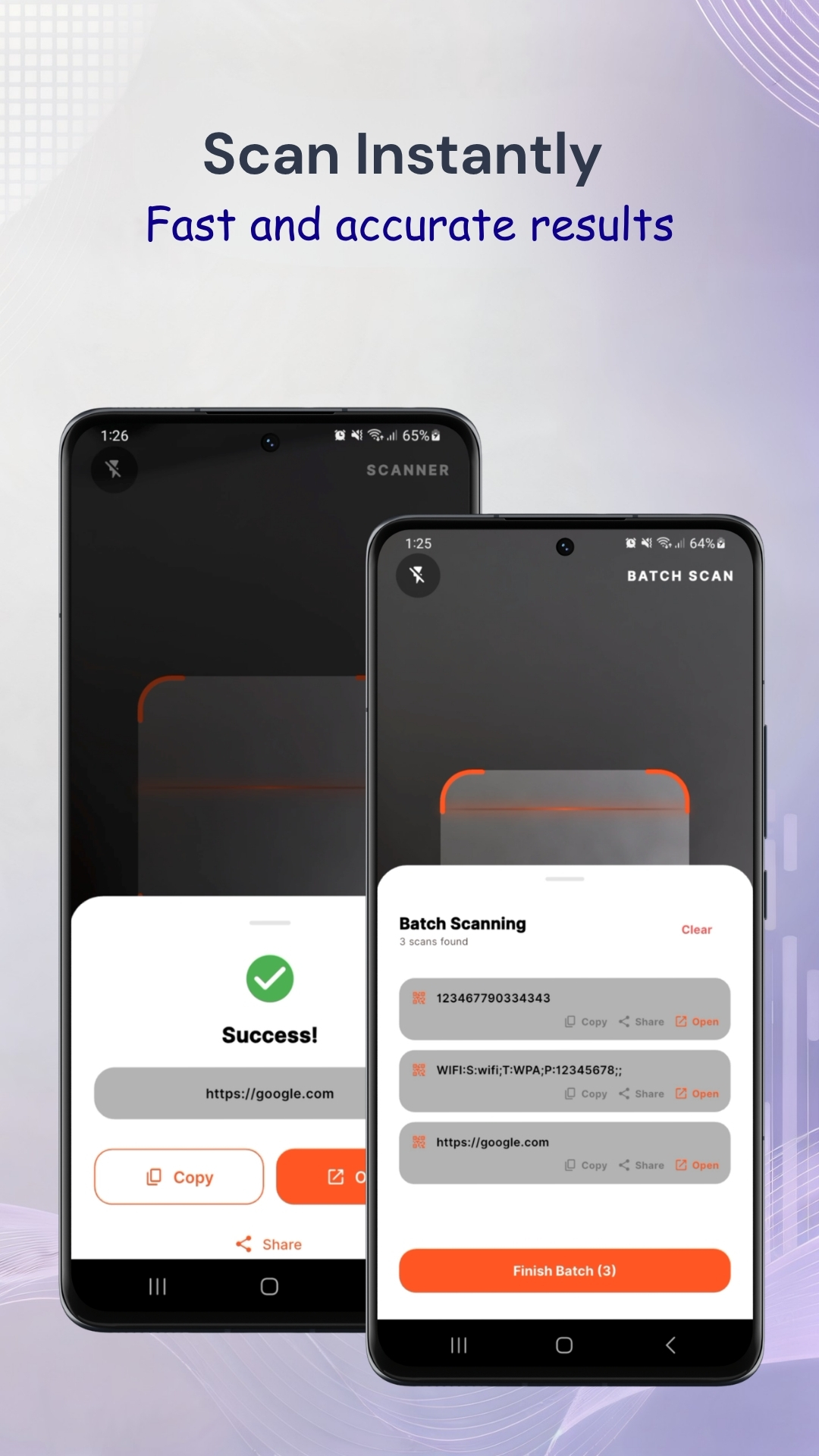
Scan multiple items in a single session—perfect for inventory management.
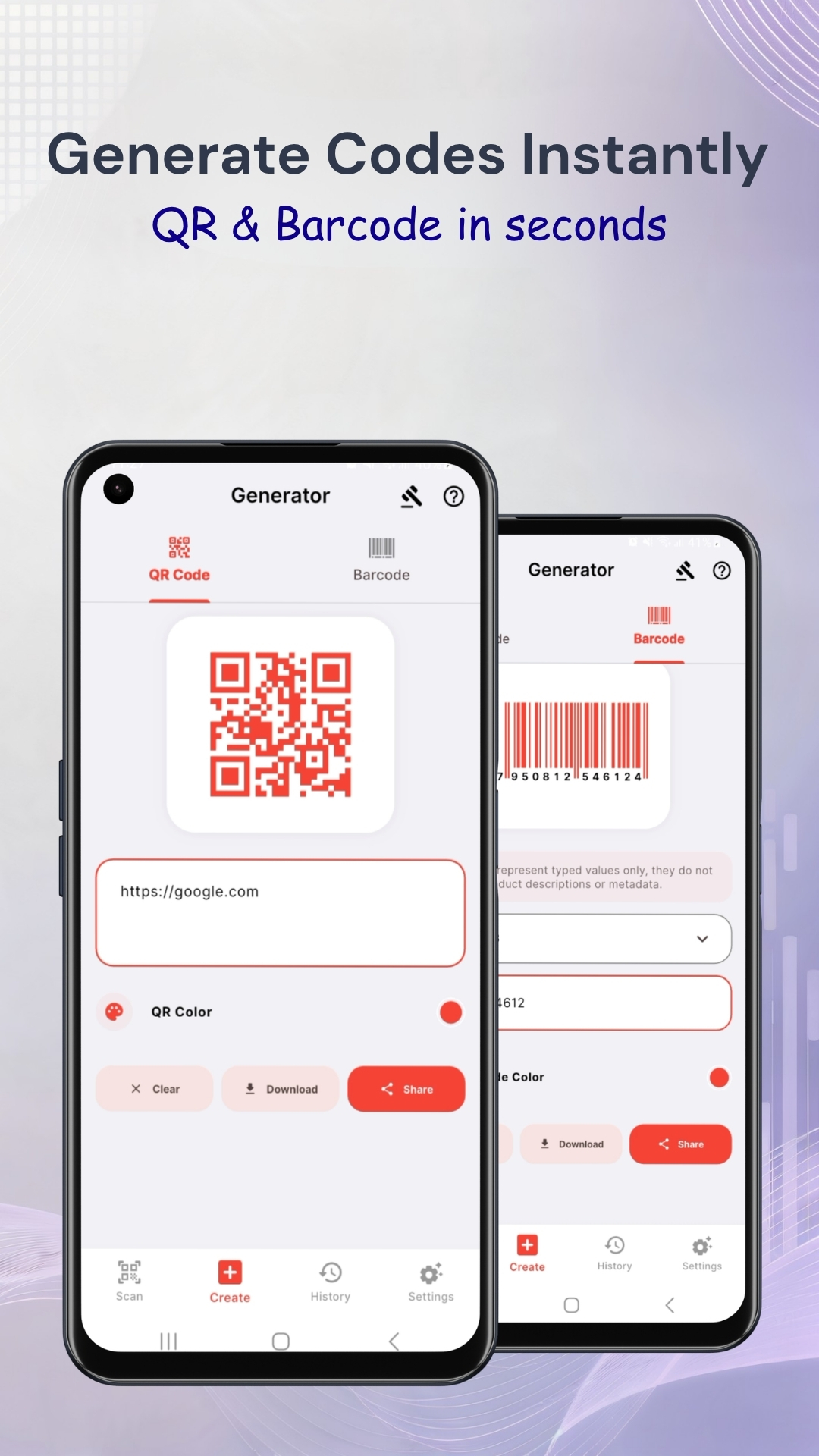
Custom Generator
Create beautiful QR codes and barcodes. Includes validation to ensure codes are always readable.
Privacy First
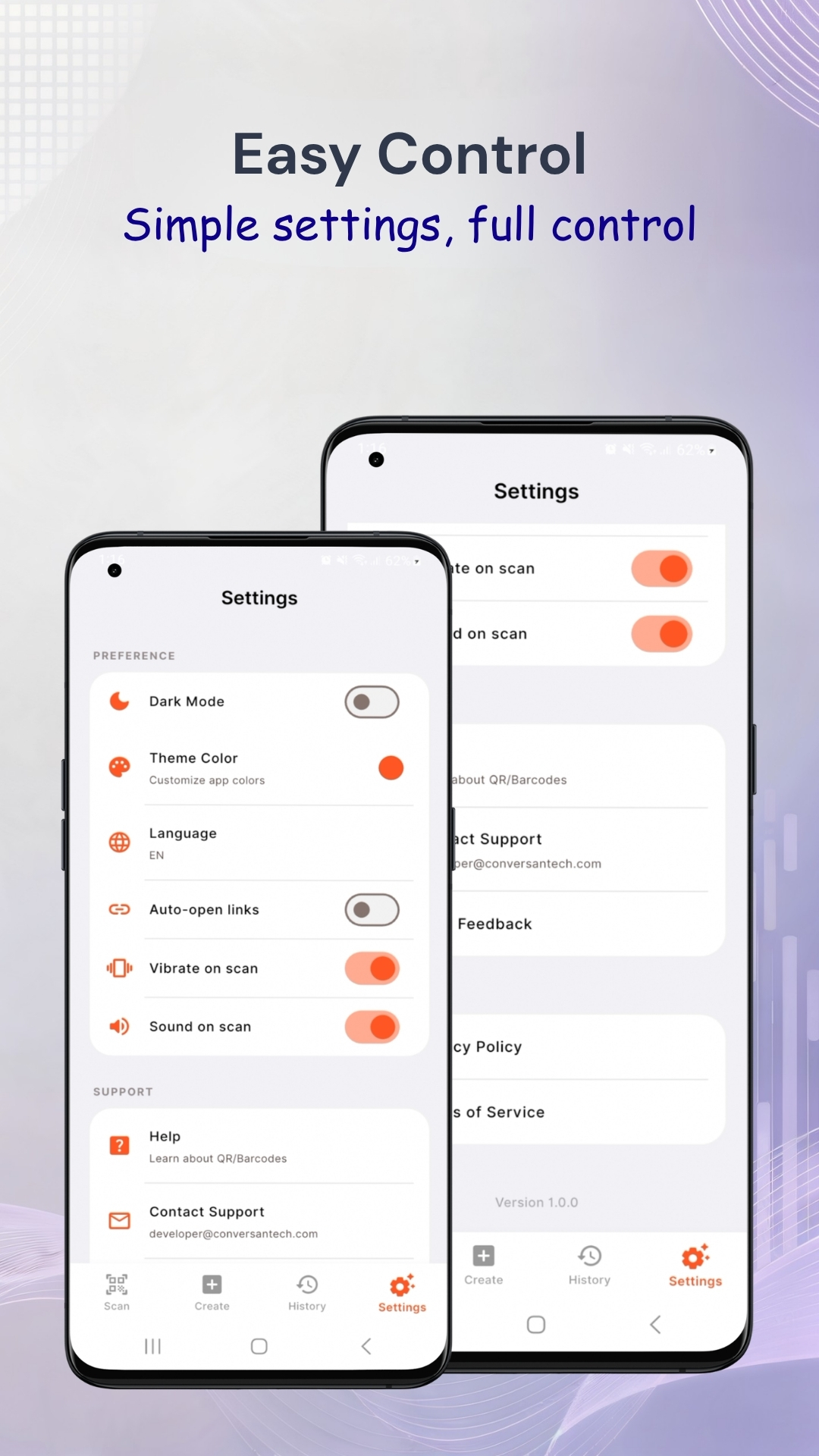
100% offline processing. No data collection, no cloud-syncing of scan history, and no account required.
Multi-Language
Fully localized with support for 13+ global languages.
How to Scan a QR Code
-
1
Download the App
Install QR Code Scanner & Barcode Generator for free from Google Play in seconds.
-
2
Open the App
Open QR Code Scanner & Barcode Generator. The camera viewfinder opens automatically.
-
3
Point Camera at QR Code
Hold your phone over the QR code. The app detects it automatically — no tapping needed.
-
4
View the Result
The scanned result appears instantly — whether it's a link, text, contact, or payment info.
-
5
Copy, Open, or Share
Open the link, copy the result, or share it to other apps with a single tap.
How QR Code Scanner & Barcode Generator Helps
Restaurant Menus — Scan the QR code on tables at restaurants to view the digital menu instantly.
Payment QR Codes — Scan UPI and payment QR codes for fast digital payments.
Product Barcodes — Scan product barcodes in stores to check prices and product information.
Event Tickets — Scan digital event tickets and boarding passes with the QR scanner.
WiFi QR Codes — Scan WiFi QR codes to connect to networks automatically without typing passwords.
Website Links — Scan QR codes on posters, ads, and print materials to open websites instantly.
Whether you are scanning restaurant menus, checking product information, managing inventory, or generating custom QR codes for personal or business use, this app provides a fast and reliable experience without unnecessary distractions.
App Screenshots
.png)
Frequently Asked Questions
Yes, QR Code Scanner & Barcode Generator is completely free to download from Google Play. There are no in-app purchases or subscriptions required.
Yes! The app supports both QR codes and all major barcode formats including EAN-13, EAN-8, UPC-A, UPC-E, Code 39, Code 128, and more.
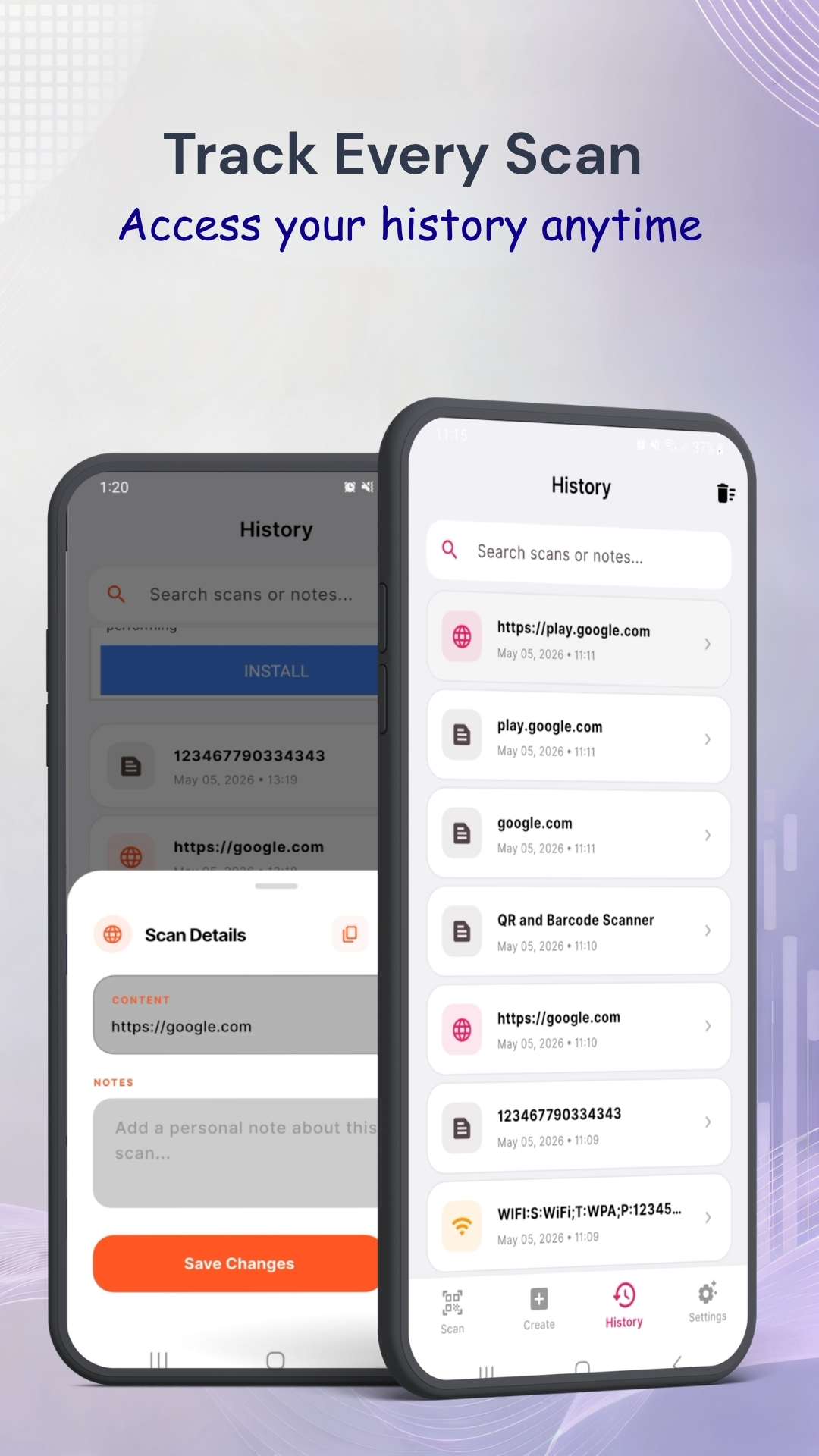
Yes. The app automatically saves your scan history. You can revisit and copy or share any previously scanned result from the history section.
Yes. QR Code Scanner & Barcode Generator only requires camera permission for scanning. It does not collect unnecessary personal data. The app is safe for everyday use by all age groups.
Yes. Scanning QR codes works completely offline. Internet is only needed if the scanned QR code contains a web link that you want to open.
Start Scanning QR Codes for Free
Download QR Code Scanner & Barcode Generator — fast, free, and lightweight. No ads, no clutter, just scanning.