CareerPrep - Resume Builder PRO
Most free resume builders cap your exports or watermark your work — exactly when a job application needs to look its best. CareerPrep Pro builds professional, ATS-optimized resumes with premium layouts, deep customization, and watermark-free PDF exports ready for recruiters.
Get CareerPrep
on Your Phone

Scan the QR code
below to download the app from
Google Play Store.

Pro Feature Highlights
Everything here is built to help you stand out: premium design, fine-grained control, and export options you can trust.
Premium Templates
An expanded library of carefully spaced, recruiter-approved layouts that read well on screen and in print.
Guided Pro Builder
A polished step-by-step editor handles the formatting while you focus on achievements and wording.
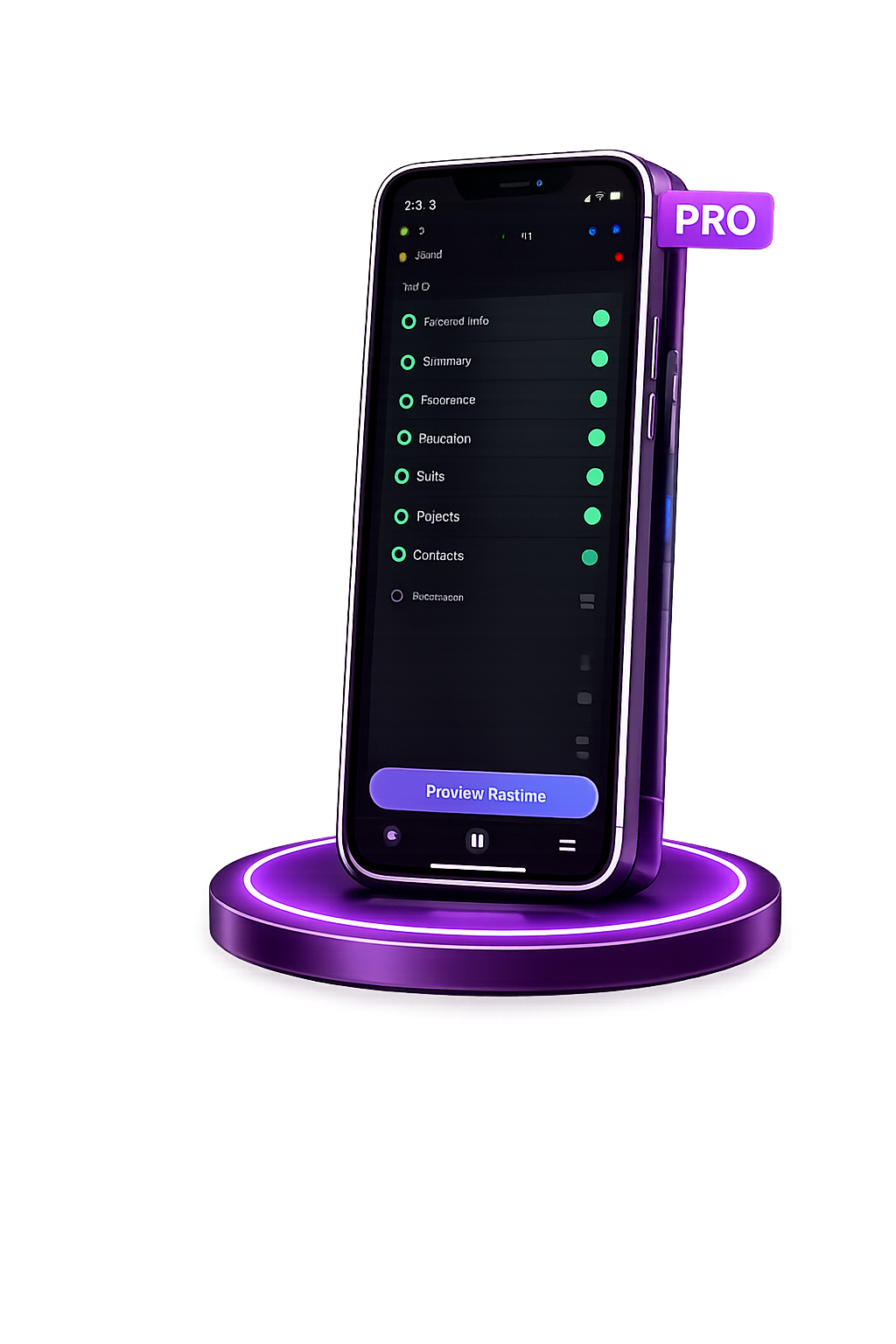
Live Preview
A real-time preview reflects every color, font, and section change so nothing surprises you at export.
Deep Customization
Custom colors, professional fonts, and simple section reordering give you total control over the document.
High-Fidelity PDF Export
Crisp, watermark-free PDF output that keeps its layout on any device, printer, or ATS pipeline.
Full Resume Management
Unlimited storage lets you tailor a separate resume to every role and keep them all in one place.
How CareerPrep Pro Works for You
-
1
Open CareerPrep Pro
Launch the app and land in your full library of saved resumes.
-
2
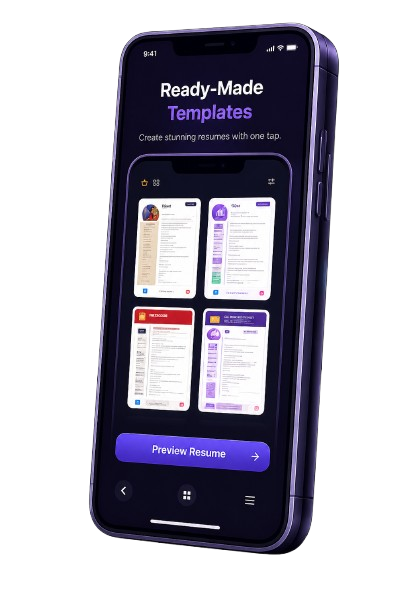
Choose a Premium Template
Browse the full premium set and apply the layout that best frames your experience.
-
3
Enter the Details That Matter
Add your summary, work history, education, skills, and the key achievements behind each role.
-
4
Apply Custom Branding
Pick accent colors, switch fonts, and reorder sections to put your strongest points first, and watch the changes appear live as you experiment.
-
5
Preview and Fine-Tune
Review the live preview and make small spacing or wording adjustments before exporting.
-
6
Export a Watermark-Free PDF
Export a clean, high-quality PDF ready to attach to applications and email, confident it will print and parse exactly as designed.
Why Upgrade to CareerPrep Pro
The upgrade is about control, polish, and the confidence that comes from a resume built to perform.
Premium templates that open more doors
Custom colors and typography for branding
Watermark-free, print-grade PDF exports
Unlimited resumes for every application
A distraction-free, ad-free experience
Section order you fully control
About CareerPrep Pro
CareerPrep - Resume Builder PRO helps job seekers and professionals build polished, recruiter-ready resumes in minutes. With 16 ATS-friendly templates and total layout control, creating an impressive CV has never been easier.
Customize fonts, colors, and section arrangements to match your personal brand, then export high-resolution PDF and image files instantly without watermarks.
16 ATS-Friendly Templates
Designed to pass recruitment filters and impress hiring managers.
Fast PDF & Image Export
Export high-quality PDF or image formats seamlessly with zero watermarks.
App Screenshots
.png) Home Dashboard
Home Dashboard
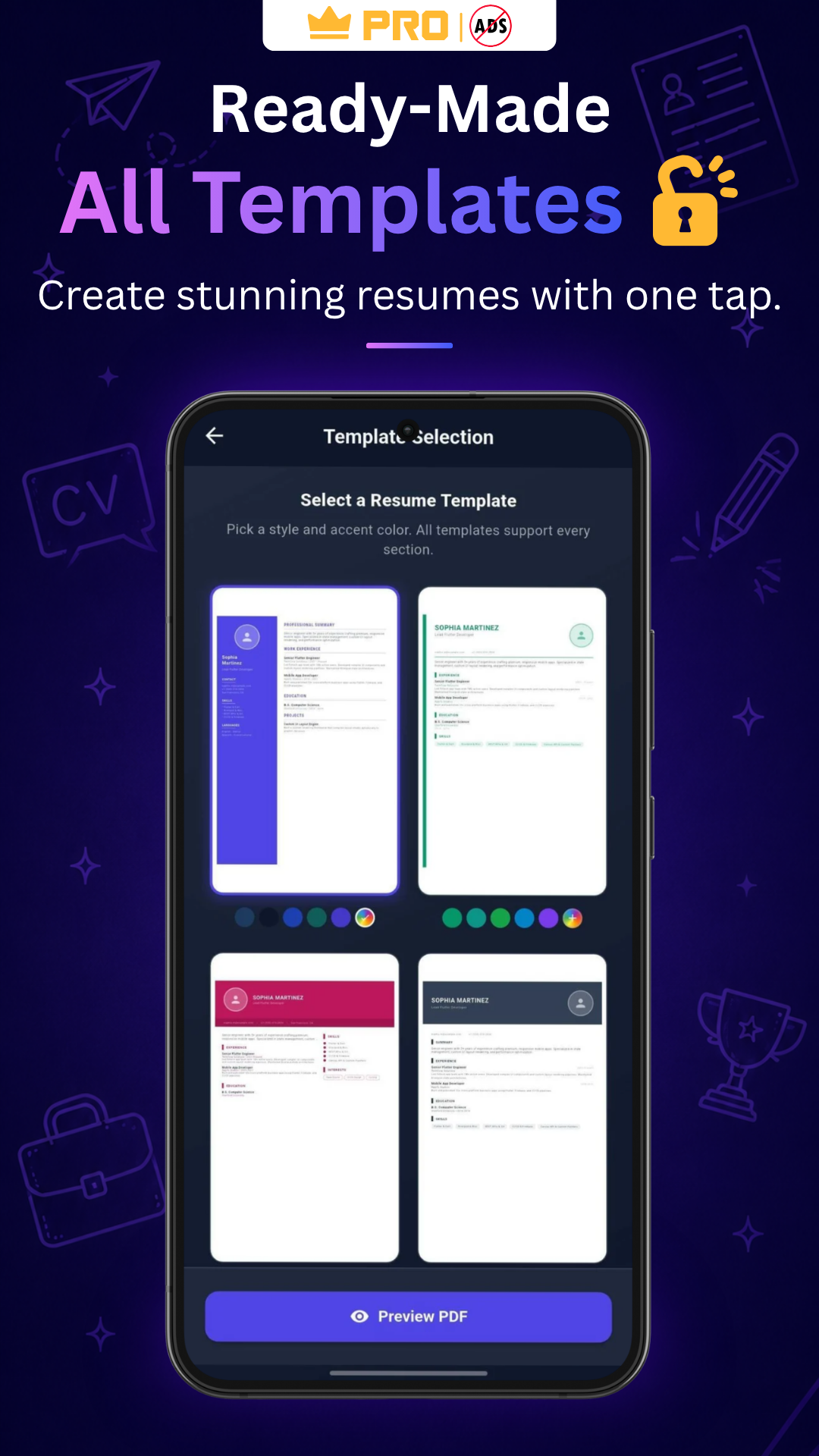 Templates Selection
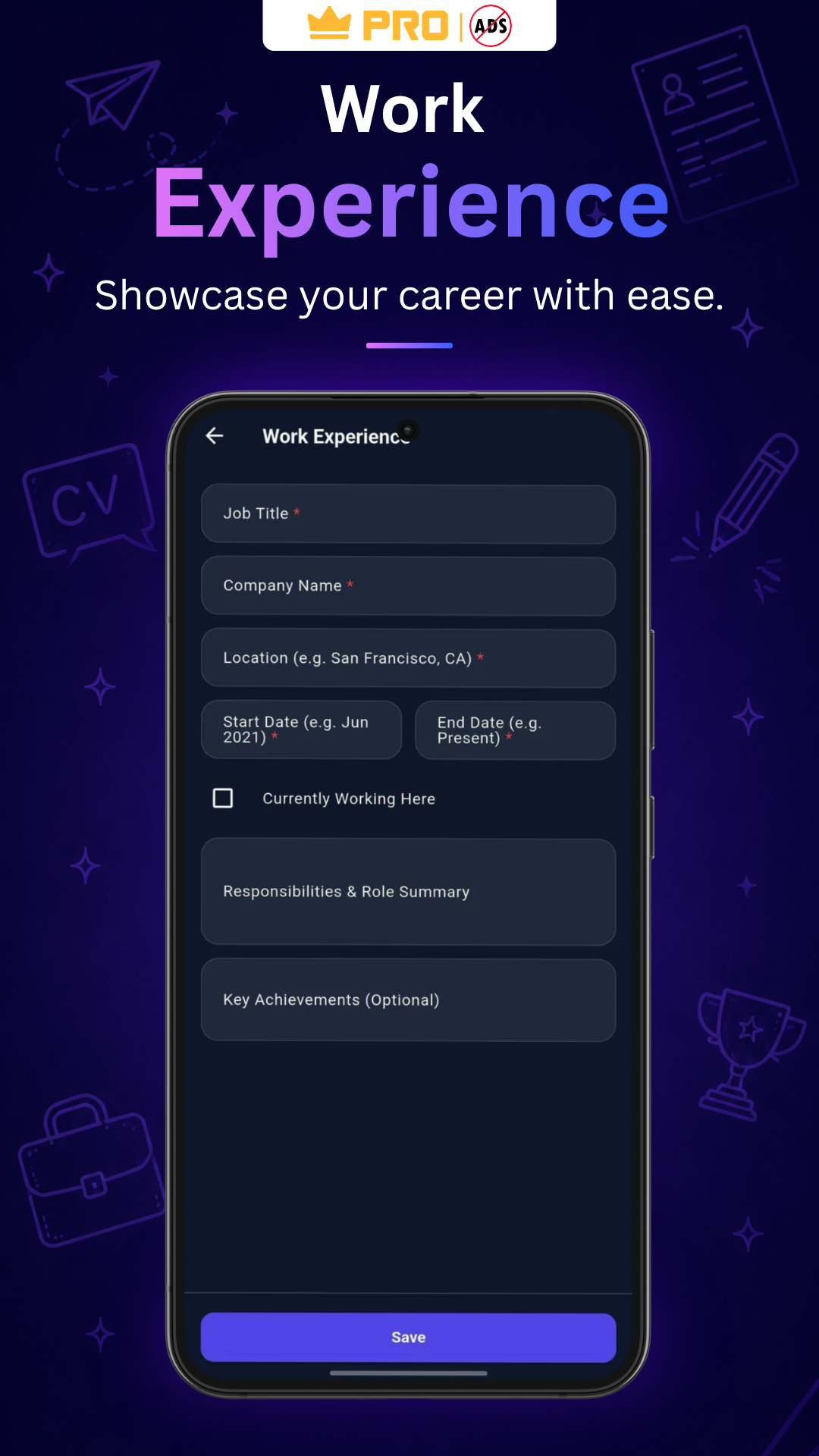 Work Experience
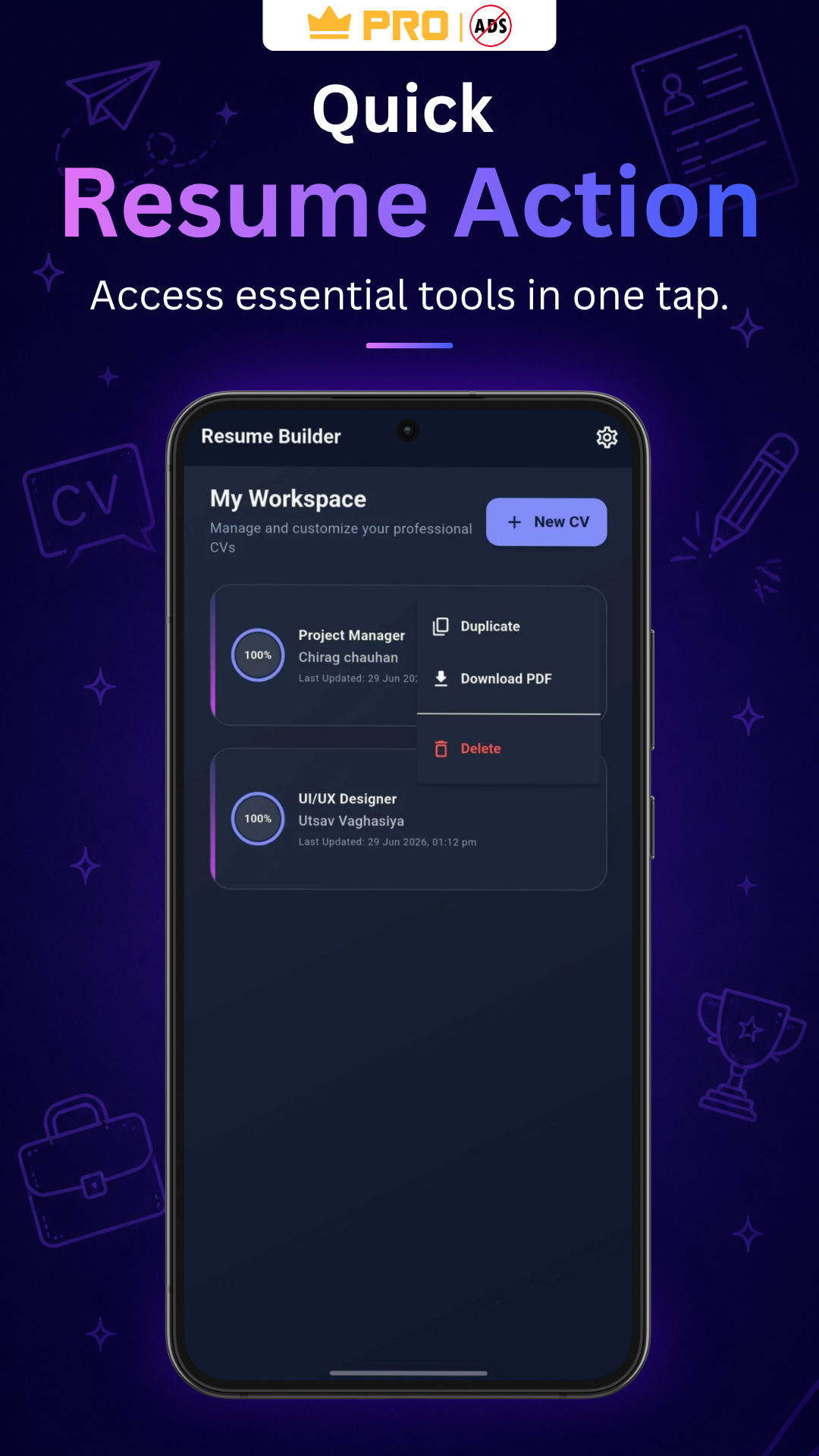 Resume Export
Home Dashboard
Templates Selection
Work Experience
Resume Export
Resume Export
Home Dashboard
Templates Selection
Work Experience
Resume Export
Frequently Asked Questions
Pro unlocks the full product: the premium template library, unlimited PDF exports, unlimited resume storage, advanced color and font options, section reordering, watermark-free output, and no advertisements.
There is no practical limit. You can create and keep as many tailored versions of your resume as your job search requires.
Yes. The premium designs rely on consistent headings and clean layouts so applicant tracking systems can parse your details accurately.
None at all. Every export from the Pro plan comes out clean, with nothing to mark it as generated by an app.
Definitely. Pro gives you control over accent colors and typography so your resume can match the tone of your target industry.
No. The Pro experience is fully ad-free, so nothing interrupts you while you build your professional profile.
Yes, exactly as you like. Move education above experience or lead with skills, depending on what each job posting asks for.
.png)