Symmetrica: Art
& Coloring
Stunning mandalas usually require pricey art apps and a steady hand. Symmetrica mirrors every stroke instantly across 4–32 symmetry axes, so anyone can create mesmerizing radial and kaleidoscope art — a relaxing, mindful process that works fully offline and completely free.
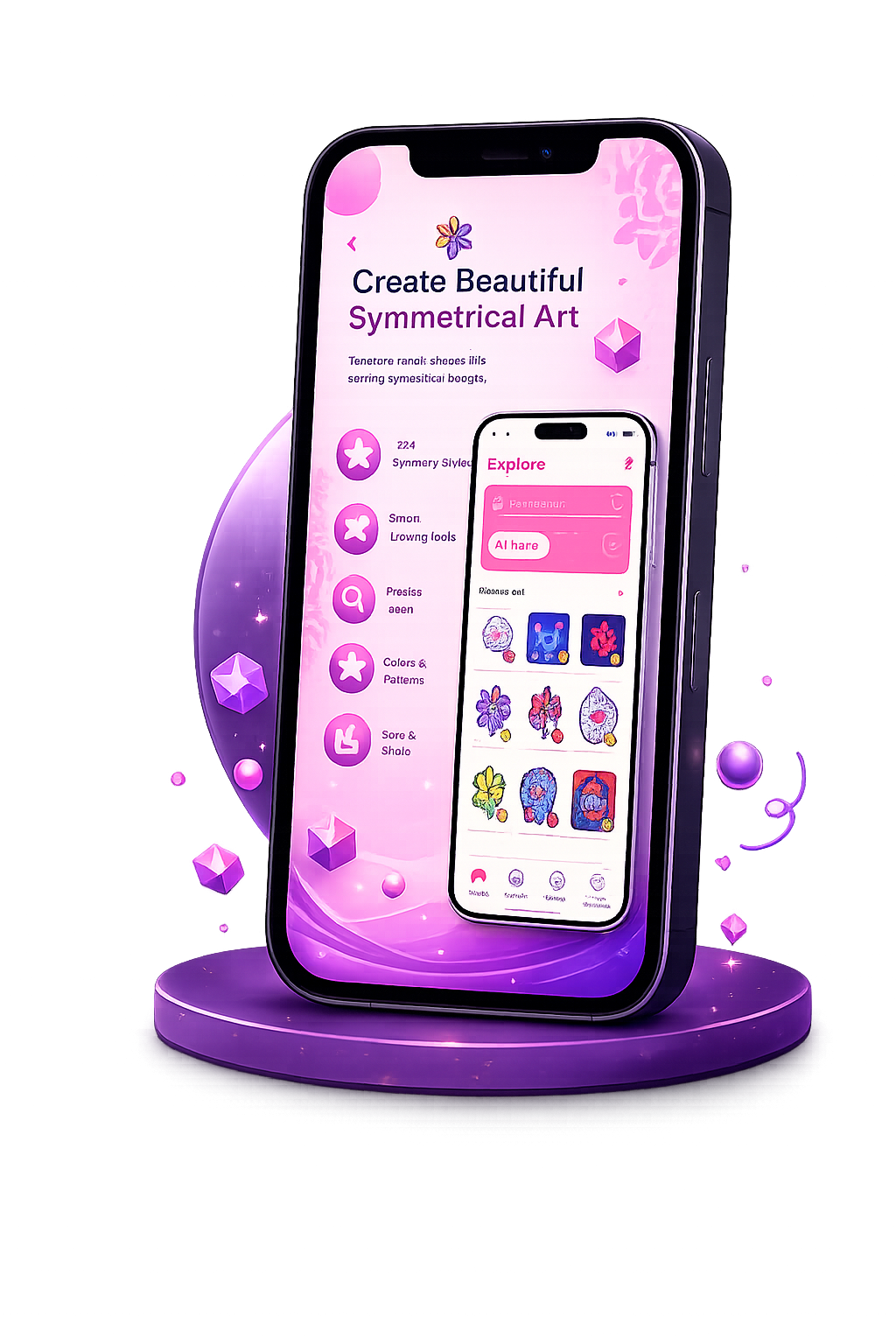
Get Symmetrica
on Your Phone

Scan the QR code
below to download the app from
Google Play Store.
Everything You Need to Create
Powerful symmetrical drawing tools and a mindful experience.
Multiple Symmetry Modes
Draw with Radial (around a central point), Bilateral (across a central axis), and Kaleidoscope symmetry modes for instant geometric patterns.
Customizable Freehand Brush
Adjust the brush size and select from a wide range of vibrant colors to suit your unique artistic vision.
Adjustable Symmetry Count
Configure the number of symmetry axes anywhere between 4 and 32 for ultimate control over your design's complexity.
Undo/Redo & Clear Canvas
Easily correct mistakes or experiment with different strokes, or quickly wipe the slate clean to start fresh whenever you want.
Save & Share
Export your high-resolution artworks directly to your device's photo library and share your creations with friends, family, or social media.
Mindful Experience
Designed to provide a relaxing, therapeutic drawing process that melts away stress with an intuitive digital art interface.
Start Creating in Seconds
-
1
Choose Symmetry Mode
Select Radial, Bilateral, or Kaleidoscope symmetry and adjust your axis count between 4 and 32 for your desired design complexity.
-
2
Customize & Draw
Adjust brush size and choose from vibrant colors. Watch your strokes mirror instantly in real time to form mesmerizing symmetrical mandalas.
-
3
Export & Share
Save your high-resolution artwork directly to your device's photo library, or share your creations with friends, family, and on social media.
Unleash Your Inner Artist
Symmetrica is a digital canvas app for creating mesmerizing symmetrical art and mandalas. Designed to provide a relaxing, mindful drawing process that melts away stress, it is suitable for users of all ages and skill levels.
Multiple Symmetry Modes
Draw with Radial, Bilateral, or Kaleidoscope symmetry modes to create geometric mandalas effortlessly.
Advanced Drawing Tools
Adjust brush sizes, customize colors, set 4–32 symmetry axes, and experiment with Undo/Redo.
Save, Share & Relax
Export HD artwork to your gallery, share with friends, and enjoy a relaxing art experience.
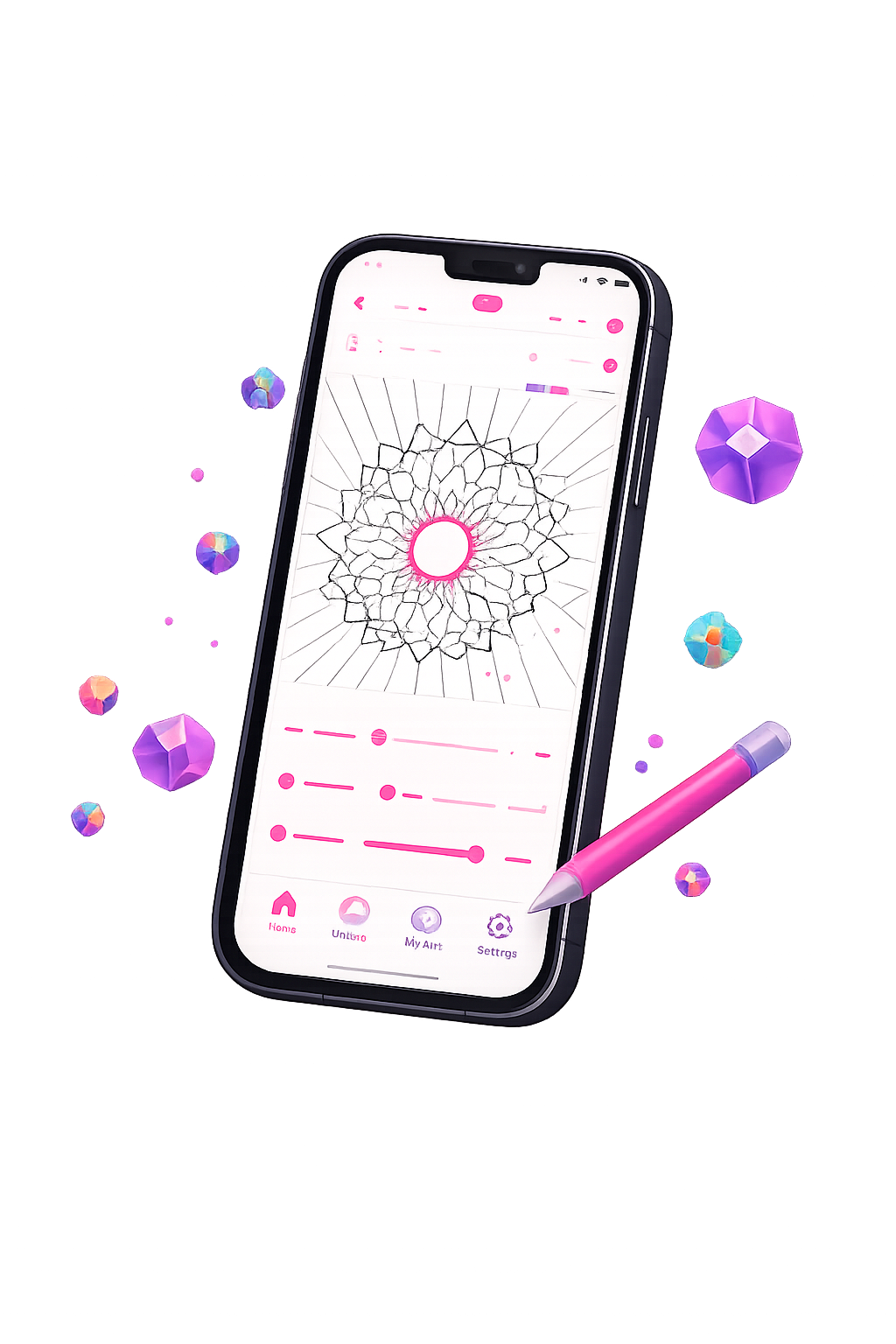
App Screenshots
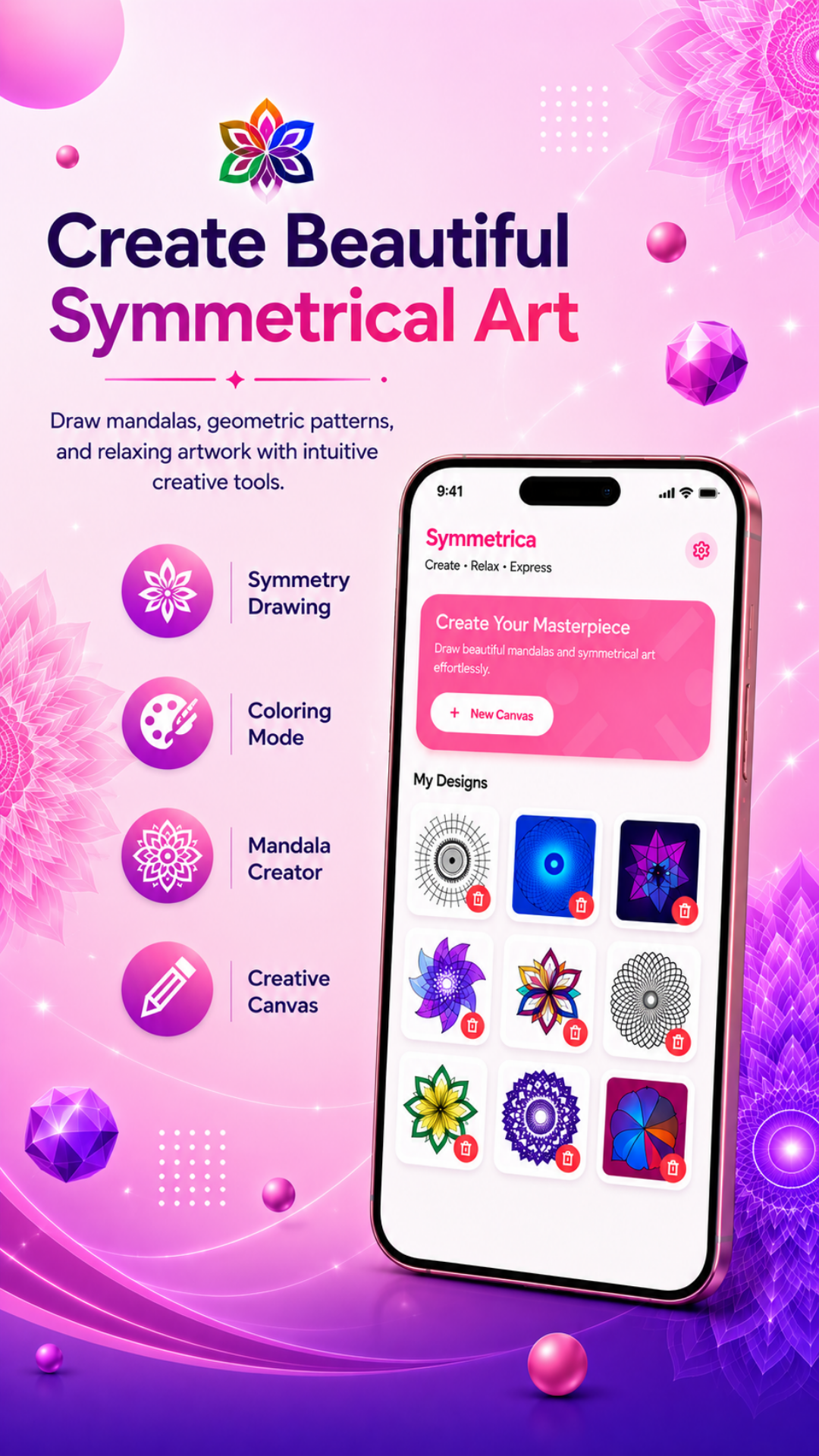 Home Screen
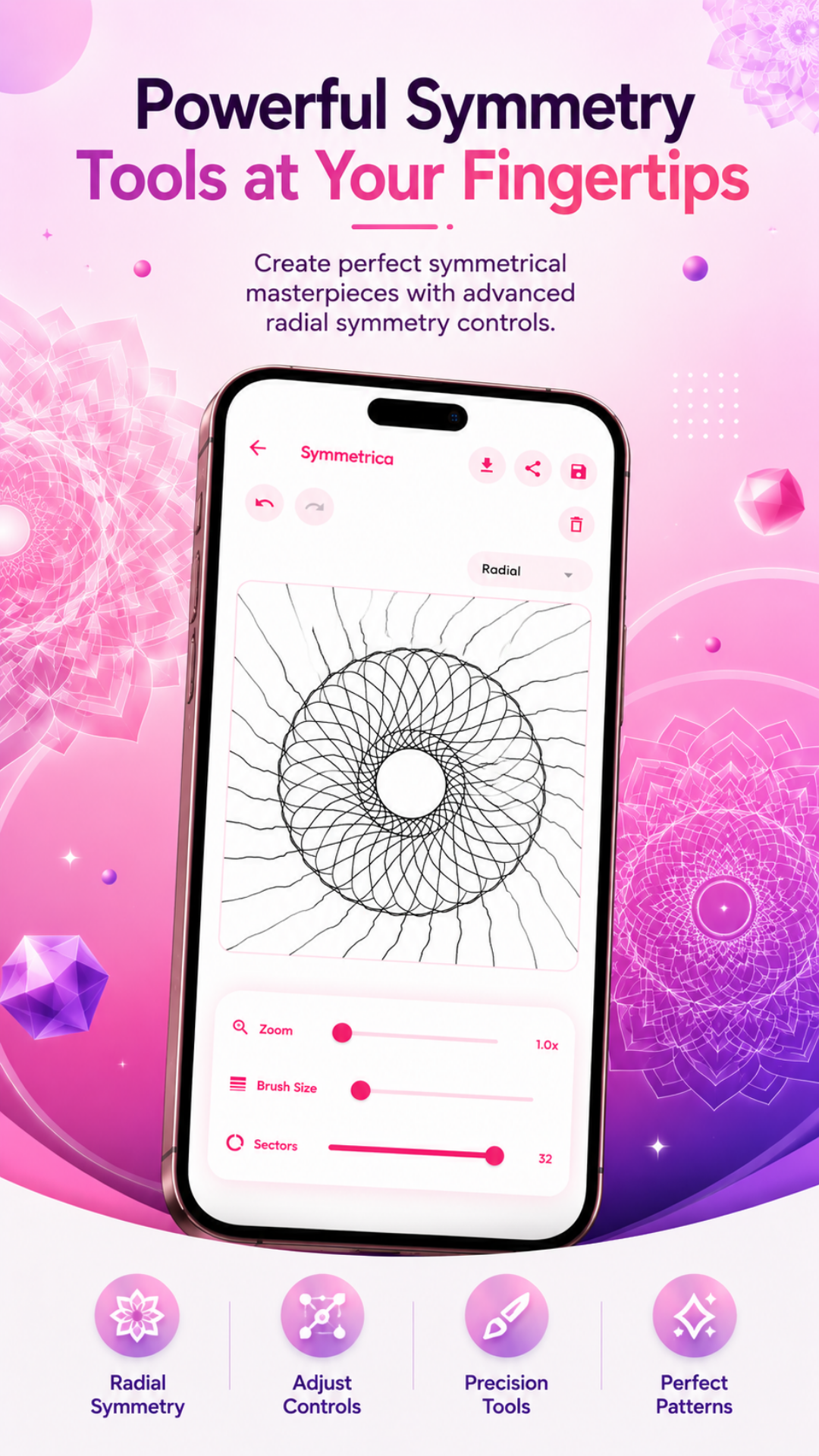 Canvas Creation
.png) Smart Coloring
Home Screen
Canvas Creation
Smart Coloring
Smart Coloring
Home Screen
Canvas Creation
Smart Coloring
Frequently Asked Questions
No, Symmetrica works completely offline. We removed the internet permission from the code, so your art stays safely on your phone.
No login is required. Symmetrica does not need any user accounts, passwords, or payments. All features are open immediately.
The app does not collect or send any user data. We value your privacy.
The app asks for photo permission ONLY when you click the "Download" or "Save" button to save your art to your phone's gallery.
.png)