UniCal: Unified Calendars
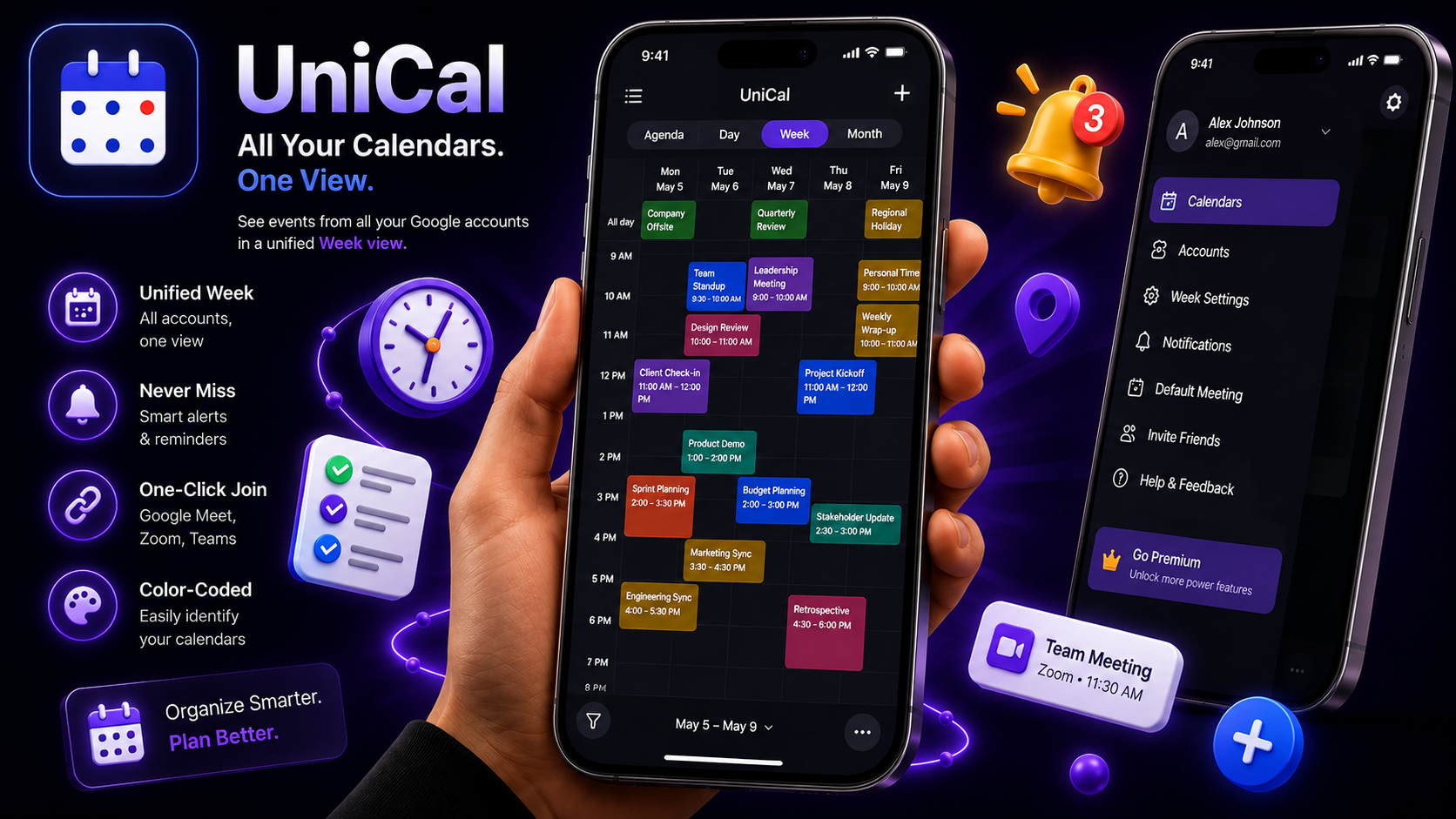
Juggling a work calendar and a personal one almost guarantees a double-booking. UniCal merges every Google Calendar account into a single unified view, flags overlapping events across accounts, and surfaces your next genuinely free slot — so you stop scheduling over yourself.
Get UniCal
on Your Phone
Scan the QR
code
below to download the app from
Google Play Store.
Explore Key Features
Everything you need to manage your time and meetings efficiently.
Multi-Account Sync
Connect multiple Google accounts and manage them all in one unified view.
4 Calendar Views
Seamlessly switch between Agenda, Day, Week, and Month layouts.
Global Search
Instantly search across all calendars for events, attendees, and locations.
Conflict Detection
Automatically detects and warns about overlapping events across accounts.
Free-Slot Finder
Find mutual free time across all your accounts for easy scheduling.
Protected Hours
Set recurring rules like lunch or commute to block out private time.
Typical User Flow
-
1
Connect Accounts
Link multiple Google Calendar accounts seamlessly.
-
2
Unified View
See all your events across Agenda, Day, Week, or Month views.
-
3
Manage Events
Create, edit, or search events with full CRUD capabilities.
-
4
Avoid Conflicts
UniCal warns you if events overlap across different accounts.
-
5
Find Free Time
Use the free-slot finder to easily share availability.
-
6
Stay Notified
Get meeting reminders, daily agendas, and conflict alerts.
Why Choose UniCal
The easiest way to keep all your calendars in sync and avoid double-booking.
Manage multiple Google accounts
Unified calendar with 4 views
Global cross-account search
Cross-account conflict detection
Smart free-slot finder
Set protected hours & rules
About UniCal
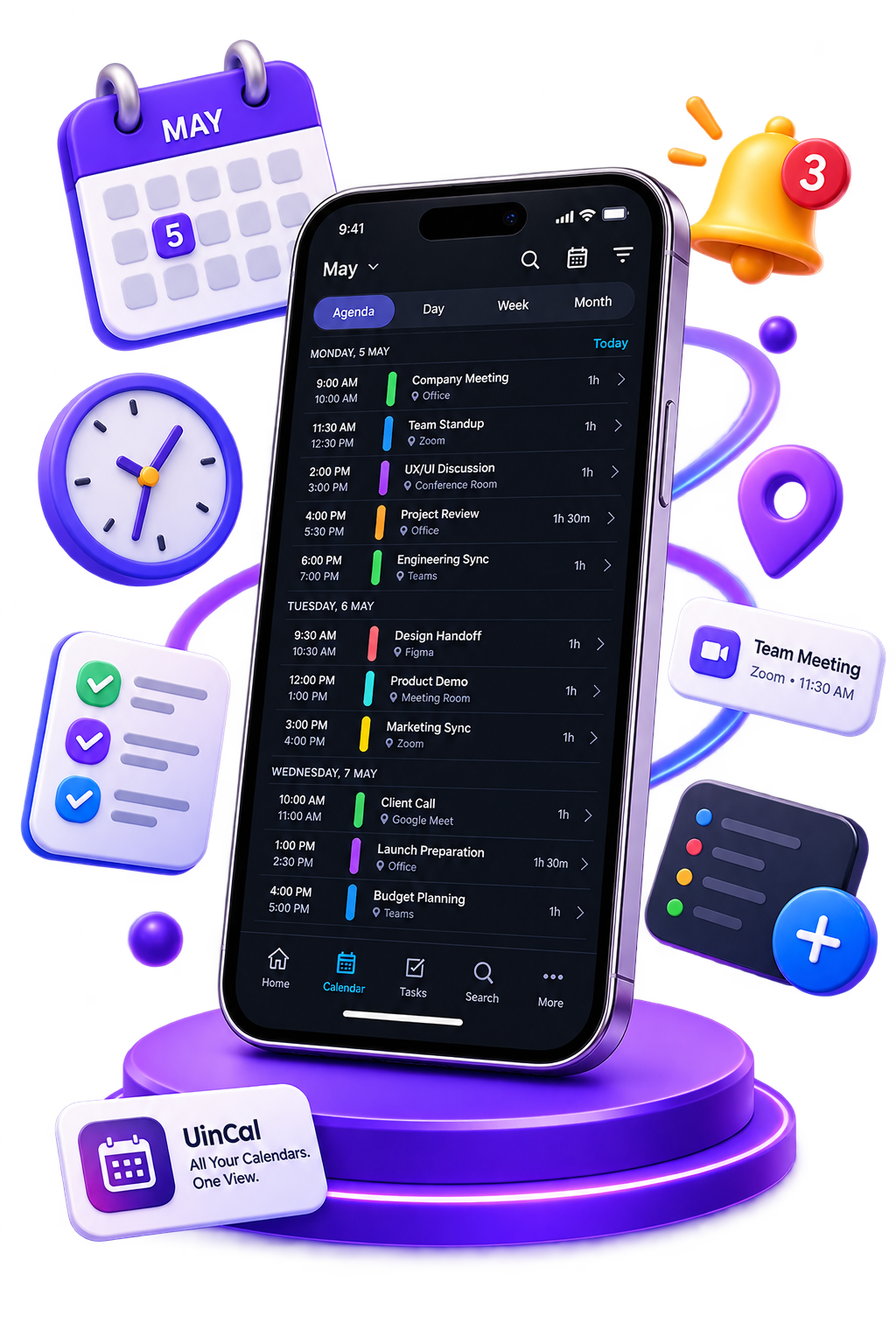
UniCal is a powerful, multi-account Google Calendar client designed to unify your schedule. Whether you have work, personal, or side-hustle accounts, UniCal brings them all together into a single, seamless interface with intelligent conflict detection.
Experience advanced features like the cross-account free-slot finder, direct timeline interactions (drag to move, resize), protected hours, and real-time incremental syncing to keep you perfectly organized.
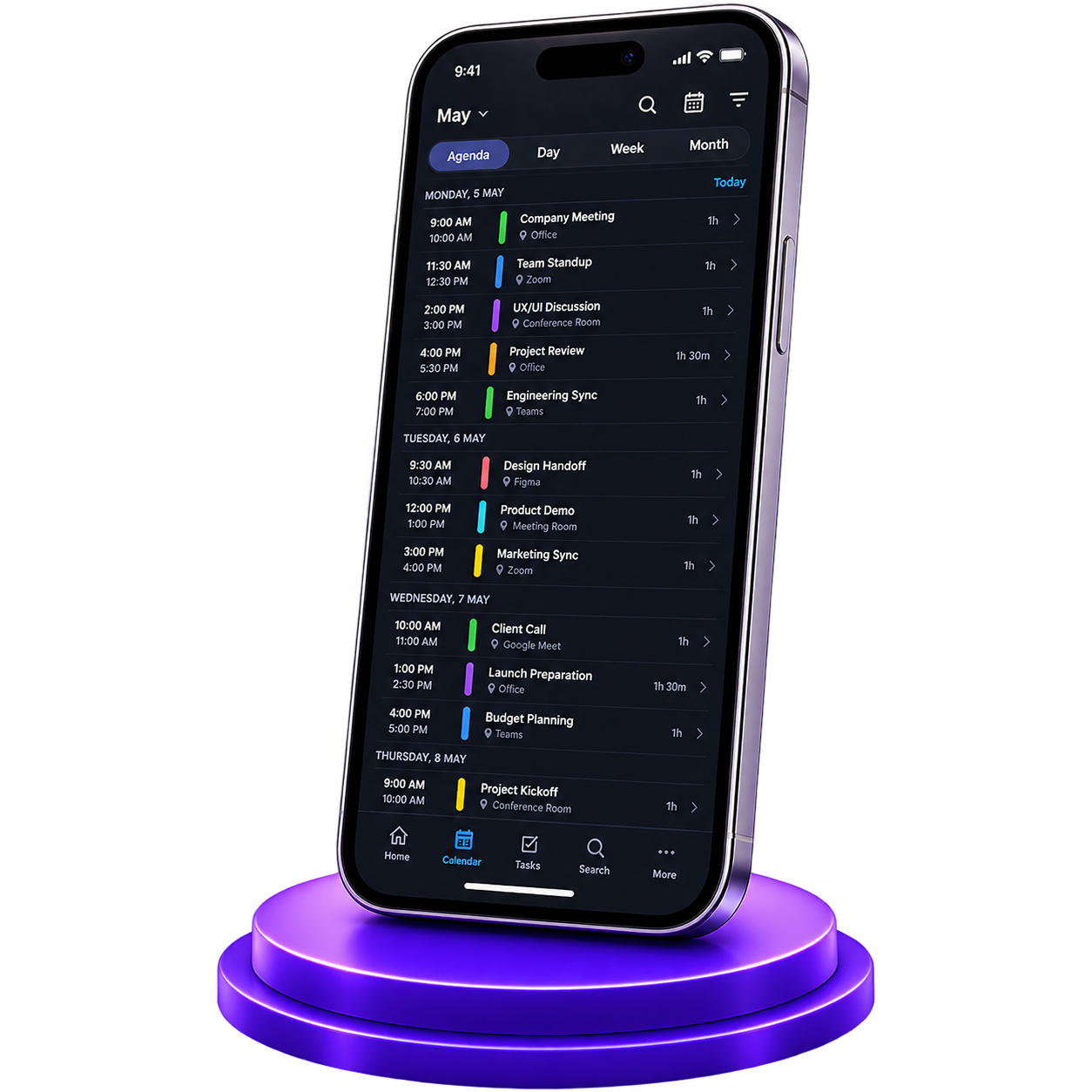
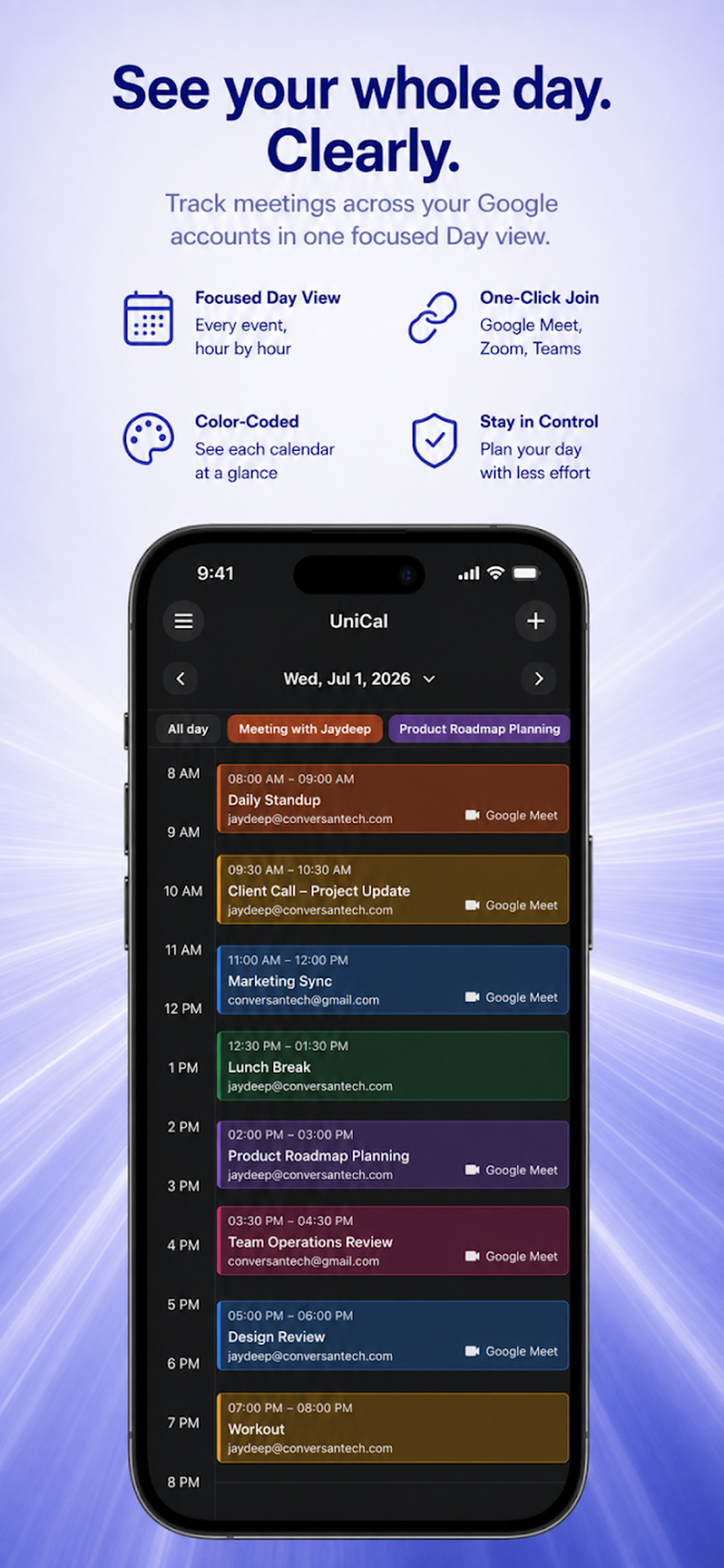
Unified Agenda
See all your commitments in one clear schedule.
Smart Scheduling
Never double-book yourself across work and personal accounts.
App Screenshots
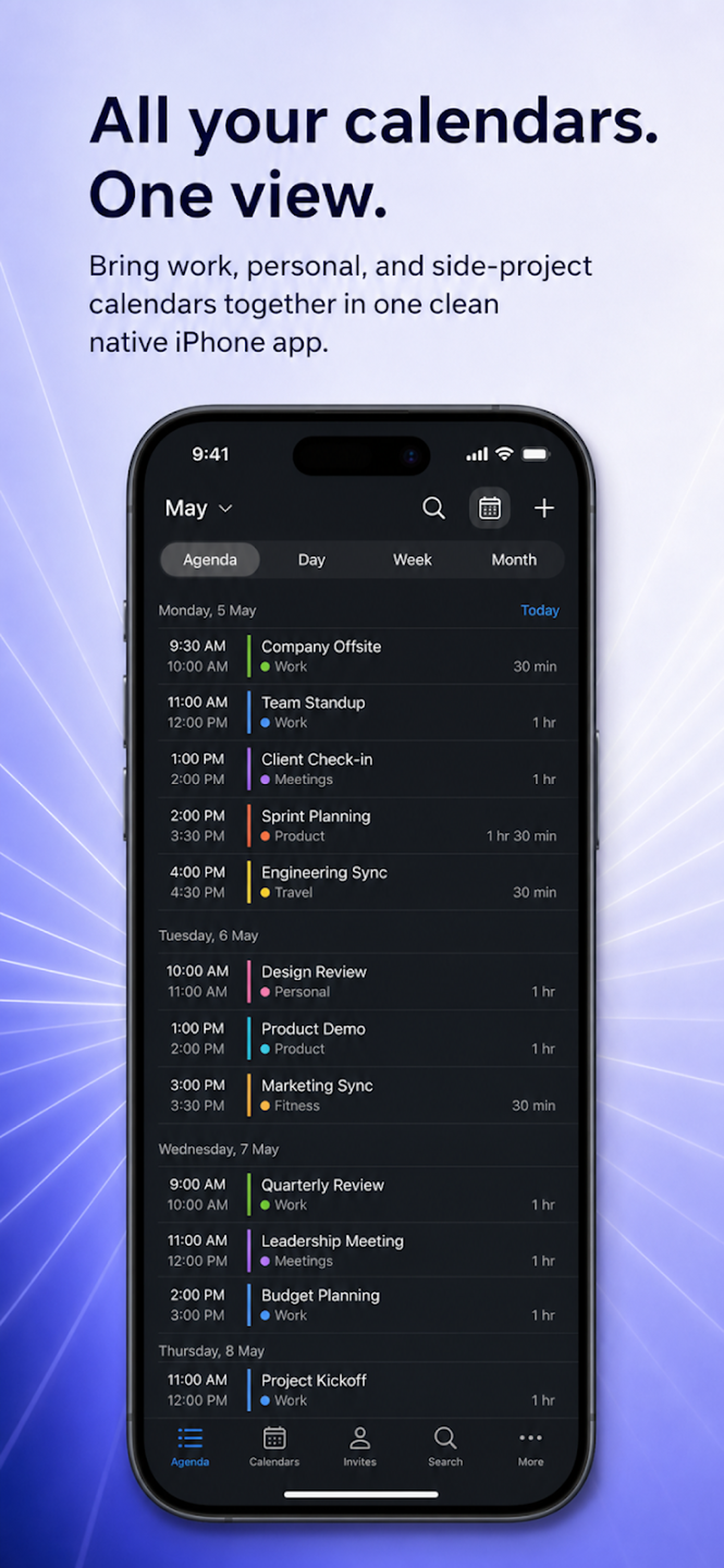 Unified Agenda
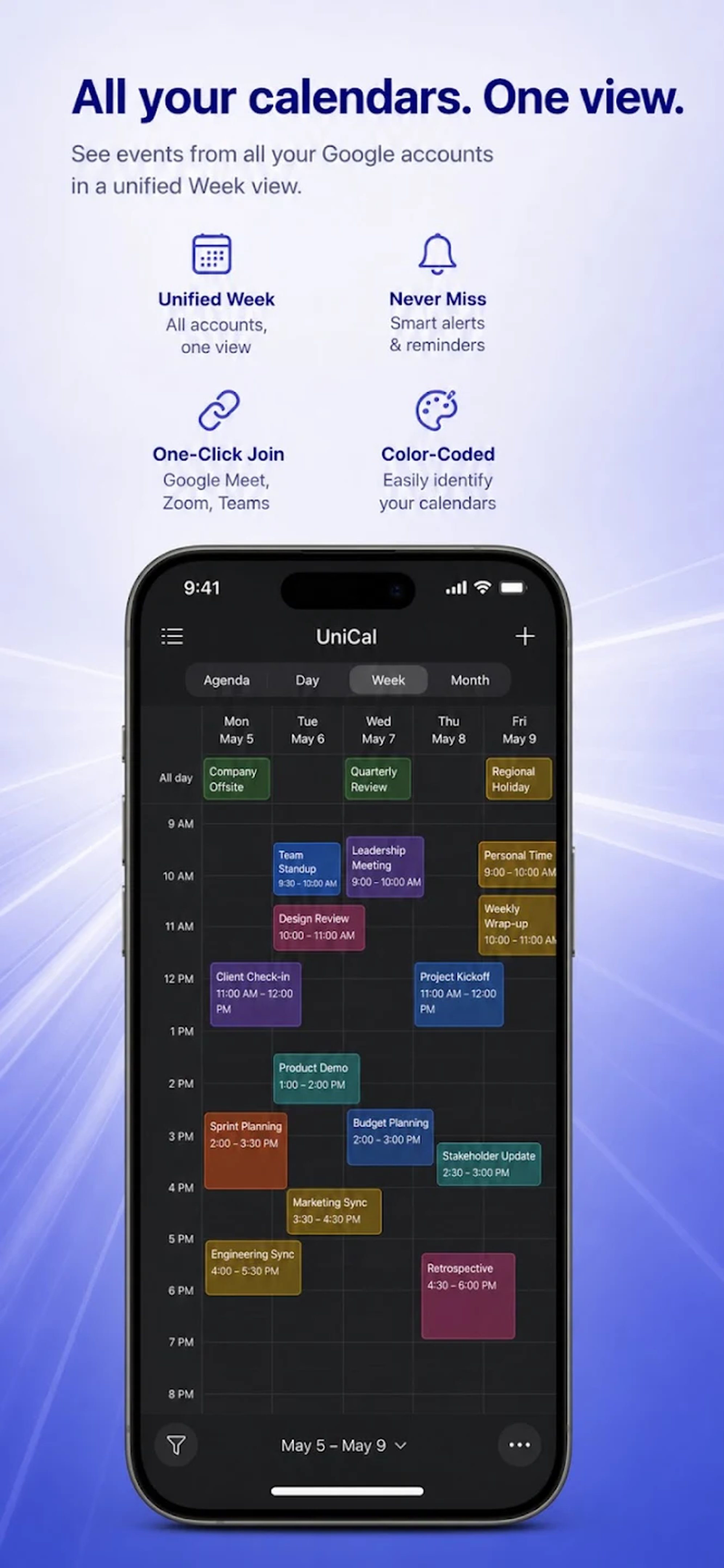 Week View
 Event Creation
Unified Agenda
Week View
Event Creation
Event Creation
Unified Agenda
Week View
Event Creation
Frequently Asked Questions
Yes. UniCal is completely free to use. All features are available for free with no premium restrictions.
Yes. UniCal supports connecting several accounts via OAuth PKCE with per-account colors and sync states.
Yes. It automatically detects overlapping timed events from different accounts and provides warning styling.
Protected hours allow you to set recurring local rules for lunch or commute that are excluded from the free-slot finder.