Table of Contents
🎯 Who Needs UniCal Multi-Account Calendar?
- Busy Professionals Combine personal & work Google calendars
- Freelancers & Agencies Manage multiple client schedules in 1 view
- Students & Teachers Track classes, exams, and personal events
- Remote Workers Prevent double-booking across time zones
UniCal vs Standard Phone Calendar
Never Miss an Appointment or Double Book Again
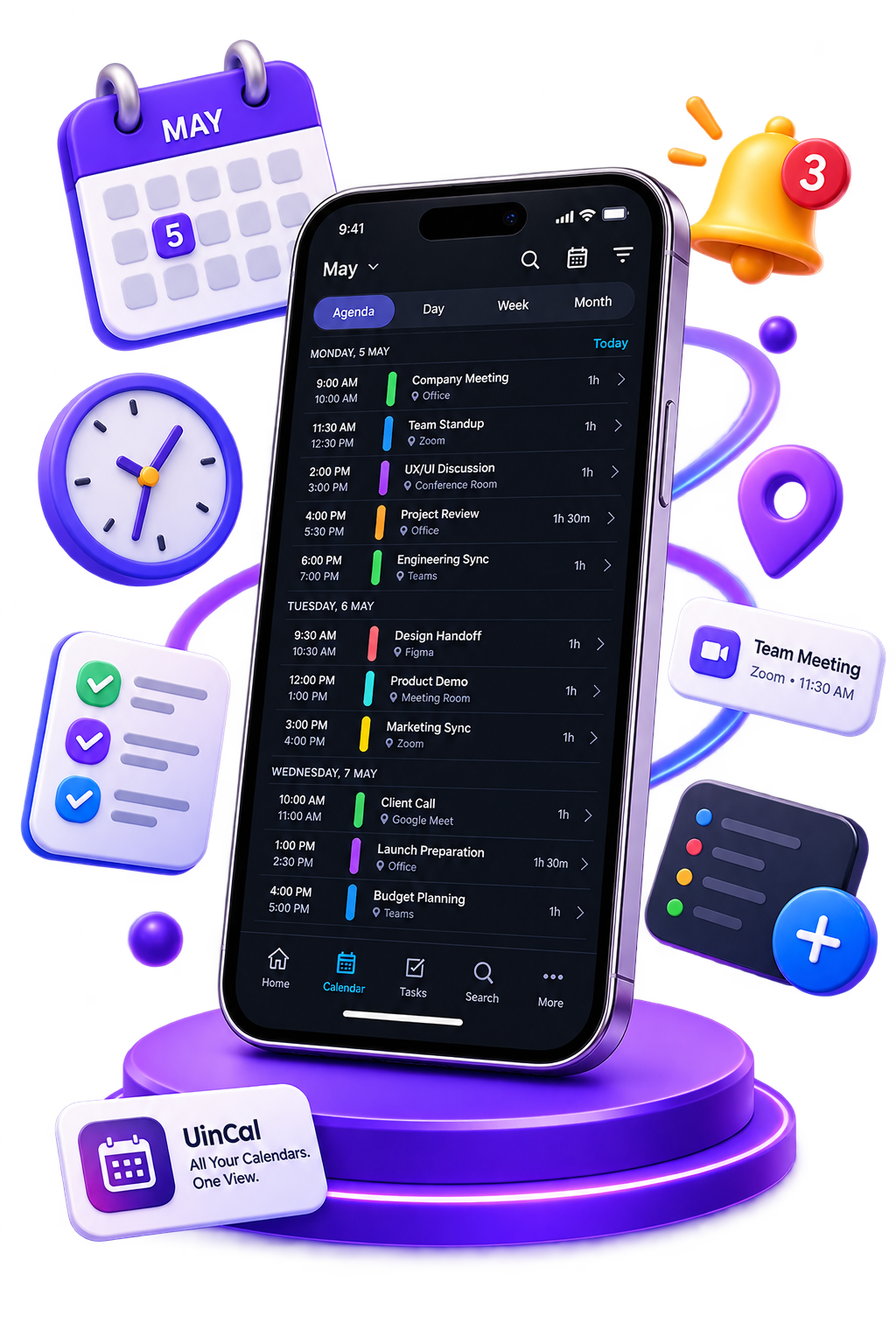
Get UniCal on Android free and combine all your work & personal events in one beautiful view.
Download UniCal Free on Google PlayWhat to Look for in a Unified Calendar
The best calendar apps include these must-have features:
Frequently Asked Questions
Which is the best unified calendar app for Android?
UniCal is one of the top productivity tools for calendar management. It is smart, user-friendly, and offers powerful scheduling features.
Is my calendar data secure?
Yes, UniCal connects securely via OAuth and keeps your data private.