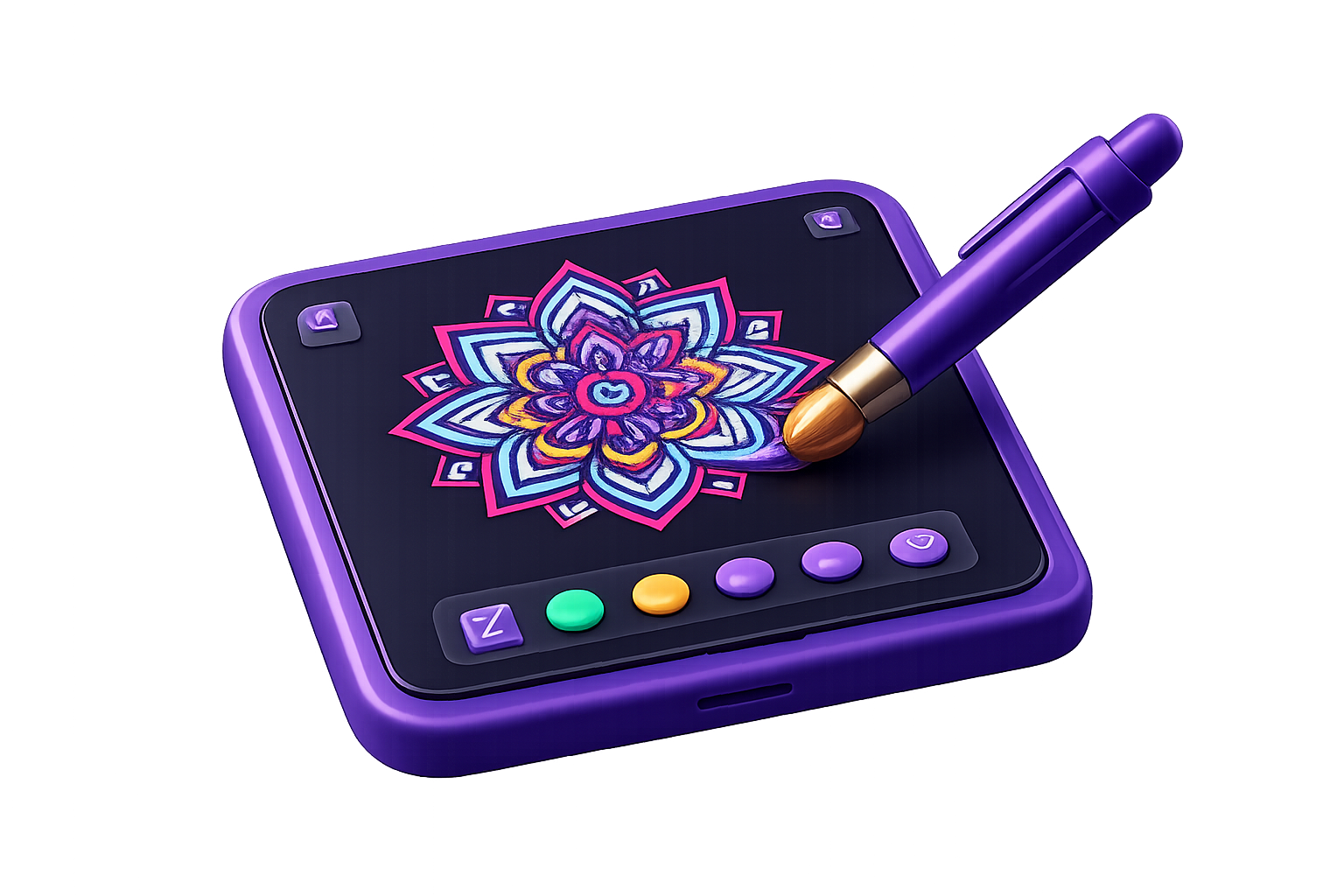
🎯 Who Should Use Symmetrica: Art & Coloring?
- Mandala & Pattern Artists Create complex 4-32 axis symmetrical designs
- Relaxation & Mindfulness Seekers Therapeutic drawing with soothing colors
- Digital Illustrators Quick kaleidoscope and mirror pattern creation
- Beginners & Hobbyists Turn simple single-stroke doodles into intricate art
Symmetry Modes & Axis Options
Create Mesmerizing Mandala Art Free
Download Symmetrica on Android to start drawing multi-axis mandalas and kaleidoscope patterns.
Download Symmetrica Free on Google PlayKey Features to Look For
1. Multiple Symmetry Modes
Draw with Radial (mirror around a central point), Bilateral (mirror across an axis), and Kaleidoscope modes.
2. Adjustable Symmetry Count
Configure the number of symmetry axes between 4 and 32 for total control over complexity.
3. Customizable Freehand Brush & Colors
Adjust brush size and choose from a rich palette of vibrant colors to bring your art to life.
4. Undo/Redo & Clear Canvas
Easily fix mistakes, experiment with strokes, or wipe the canvas clean to start fresh.
5. Save & Share Artwork
Export high-resolution artwork directly to your photo library and share on social media.
6. Mindful Experience
A relaxing, therapeutic digital art canvas where strokes mirror instantly without a steep learning curve.
Recommended App: Symmetrica: Art & Coloring
Symmetrica: Art & Coloring
Digital canvas app for creating mesmerizing symmetrical art and mandalas!
Frequently Asked Questions
Symmetrica includes Radial Symmetry (mirror strokes around a central point), Bilateral Symmetry (mirror across a central axis), and Kaleidoscope Symmetry (create complex geometric patterns instantly).
Yes! Symmetrica allows you to easily adjust brush size and select from a wide range of vibrant colors to suit your artistic vision.
You can configure the number of symmetry axes anywhere between 4 and 32 for ultimate control over your design's complexity.
Yes. Symmetrica provides full Undo and Redo support to experiment freely, plus a Clear Canvas option to wipe the slate clean and start fresh whenever you want.
You can export your high-resolution artwork directly to your device's photo library and share your creations with friends, family, or on social media directly from the app.
Ready to create beautiful art?
Download the Symmetrica app free for Android and start creating beautiful symmetry art from your phone today.
Download on Google Play